Engadget
Android Auto not working? Here's what to check first
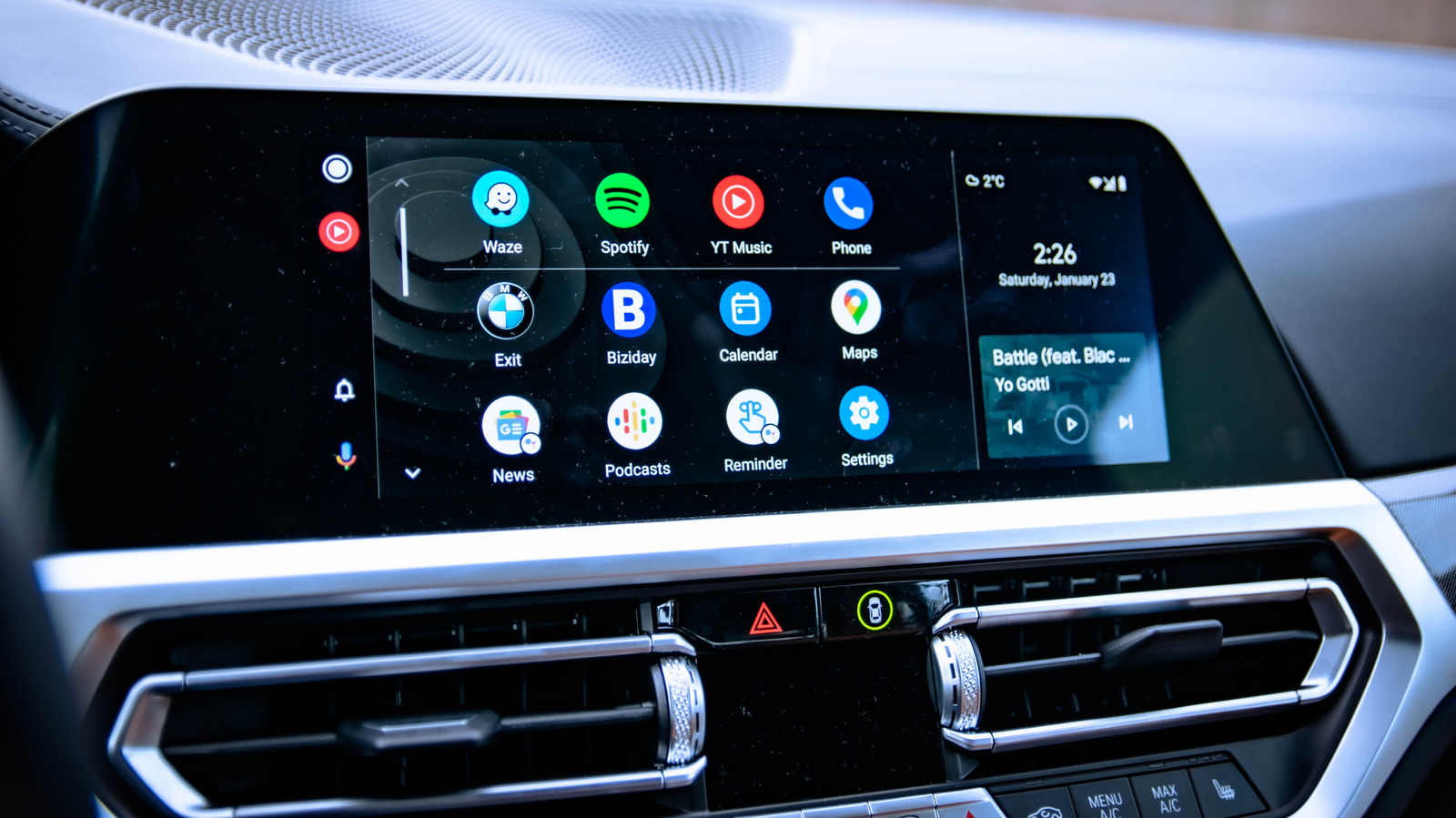
Android Auto fails when the wired or wireless link is weak. Use a data-capable USB cable shorter than six feet; avoid charging-only cables. For wireless, enable Bluetooth and Wi-Fi. If the connection is fine, restart the phone, forget the vehicle in Settings > Connected Devices, and reconnect. Clear the Android Auto app’s cache or data in Settings > Apps to fix persistent glitches.