Engadget
The CarPlay settings you may want to change after setting it up
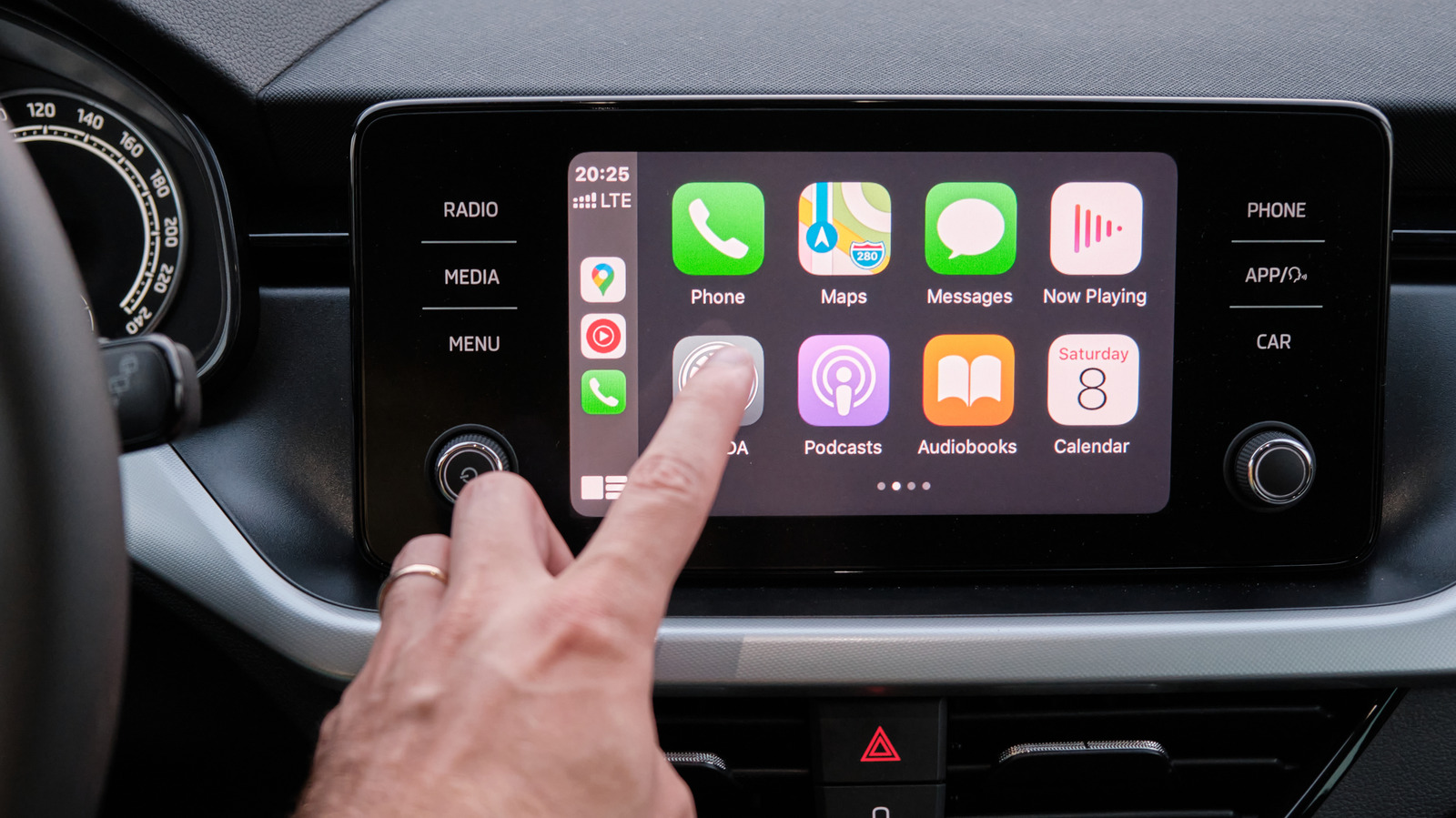
CarPlay lets users personalize its appearance and behavior by changing wallpaper, switching between Always Dark and Automatic themes, adjusting text size or enabling bold text, and rearranging or removing apps and widget stacks via iPhone Settings > General > CarPlay. Users can also activate Driving Focus to mute notifications, set auto-replies, enable Siri’s announcement of alerts, turn on Smart Display Zoom for denser information, and enable Voice Control for hands-free app navigation.