Engadget
Getting an 'iPhone Unavailable' message? Here's how to fix it
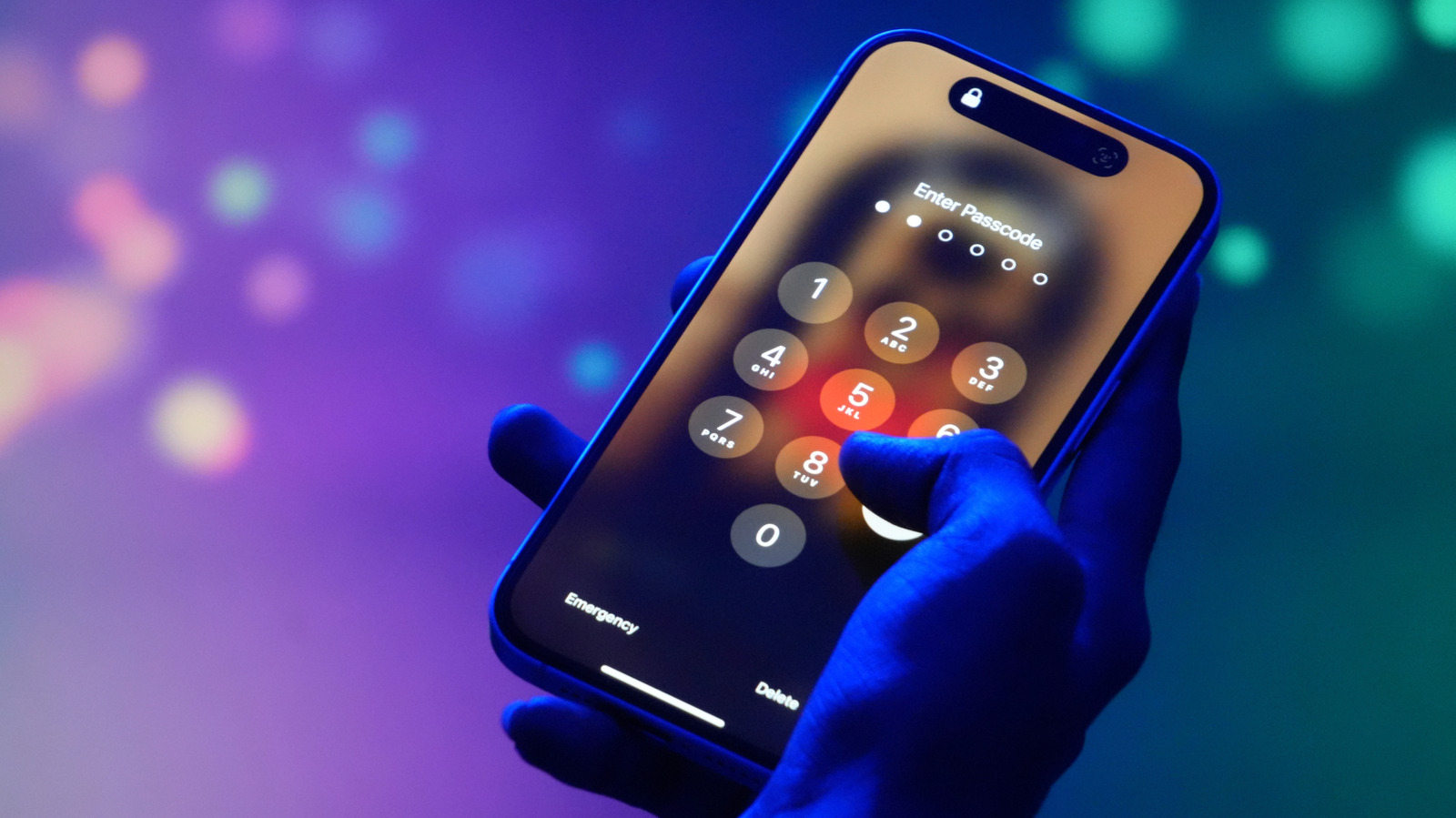
After five wrong passcodes, an “iPhone Unavailable” screen appears. iOS 17+ users who changed their passcode within 72 hours can tap “Forgot Passcode,” choose “Enter Previous Passcode,” and unlock without resetting. iOS 15.2+ users with Find My can sign in with their Apple ID, erase the device (preserving an eSIM on iOS 17), and set it up again; alternatively, connecting the iPhone to a PC (Apple Devices app) or a Mac (Finder) in recovery mode lets them restore and rebuild from an iCloud backup.