Engadget
Here's why some monitors have two USB ports (and the best ways to use them)
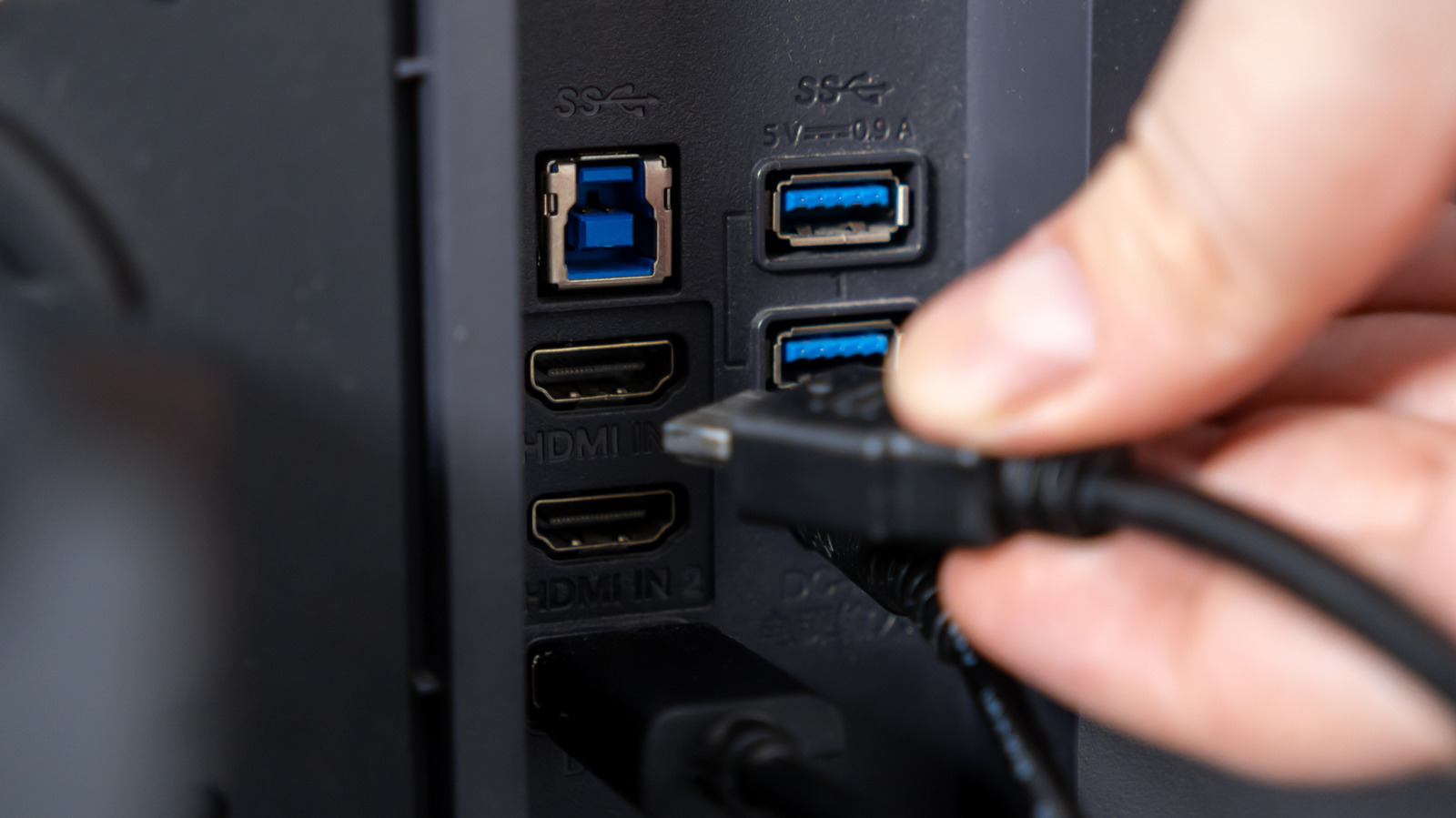
Some monitors have built-in USB hubs that accept keyboards, mice, webcams, and flash drives, forwarding data to the PC through an upstream USB connection. When the hub uses a USB-C cable supporting DisplayPort Alt Mode, the same cable carries video, data, and power, enabling laptop charging while transmitting the display. Downstream ports share the upstream bandwidth, so they are suitable for low-speed peripherals or temporary storage, not large file transfers.