Engadget
How to adjust the Liquid Glass effect on your iPhone with iOS 27
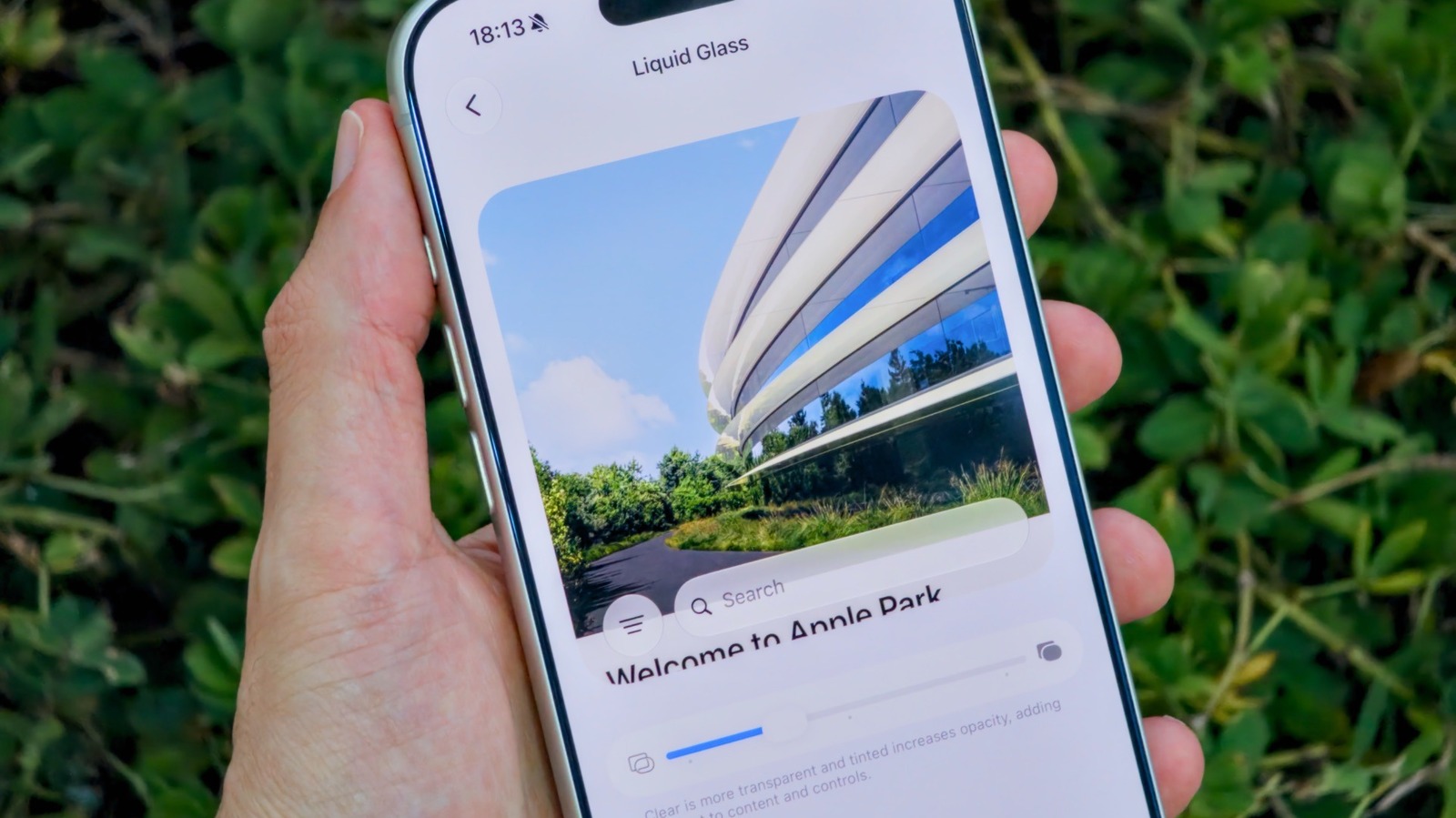
iOS 27 adds a new Liquid Glass slider in Settings → Appearance, letting users shift the effect from fully transparent to more opaque, with a central position offering a balanced look and an on-screen preview. The Lock-Screen intensity remains a separate control, and the effect can be fully disabled via Accessibility → Display & Text Size → Reduce Transparency.