Engadget
How to cancel your ChatGPT subscription (and why you might want to)
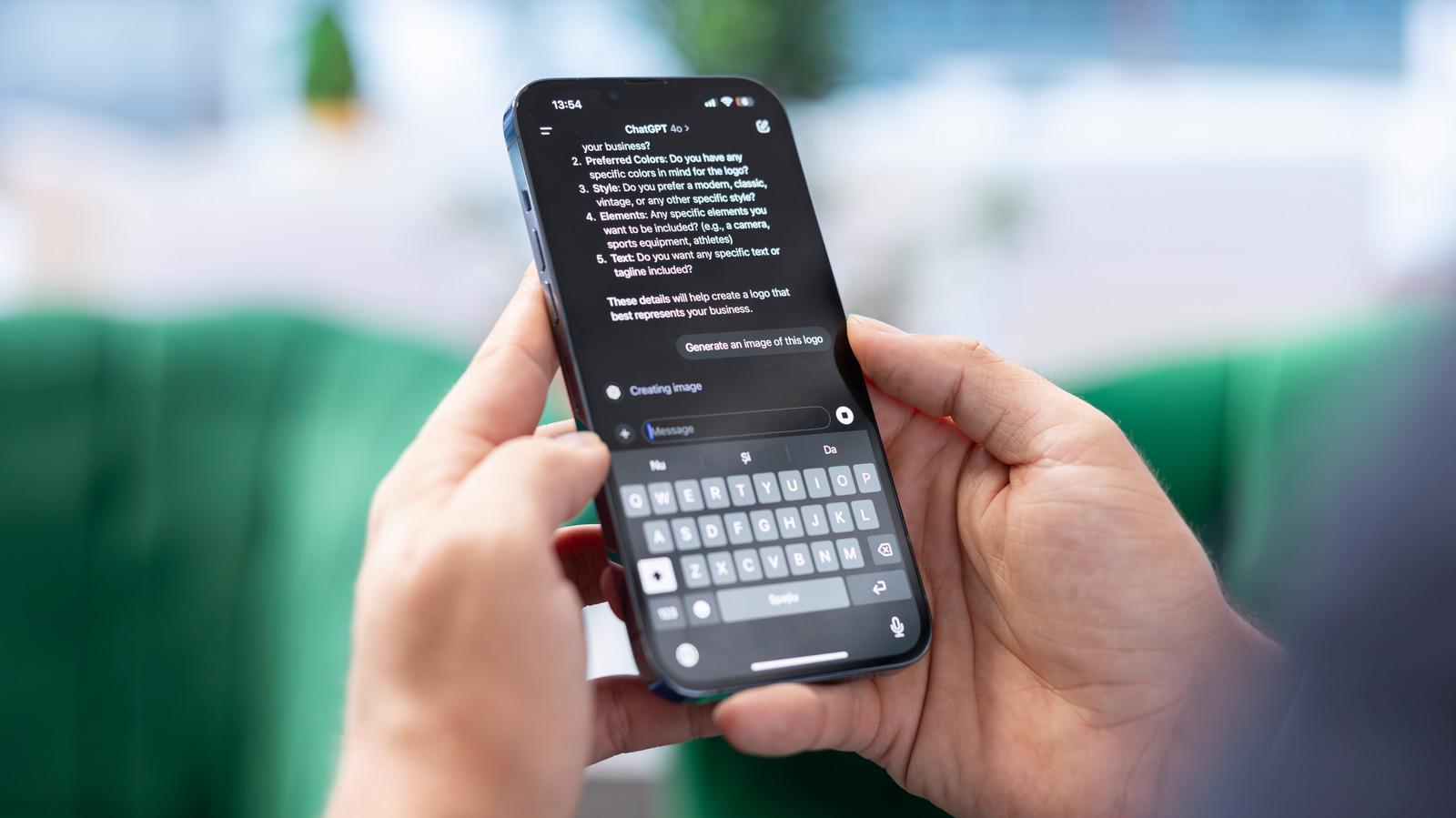
Canceling a ChatGPT subscription requires using the same payment platform—web, Apple, or Google—by navigating to Settings → Billing and selecting Cancel, with OpenAI advising a 24-hour buffer before the next billing cycle. The cancellation stops future charges but does not delete the OpenAI account, existing chats, or affect data-training settings, which must be managed separately under Data Controls.