Engadget
How to change and customize your Apple CarPlay display
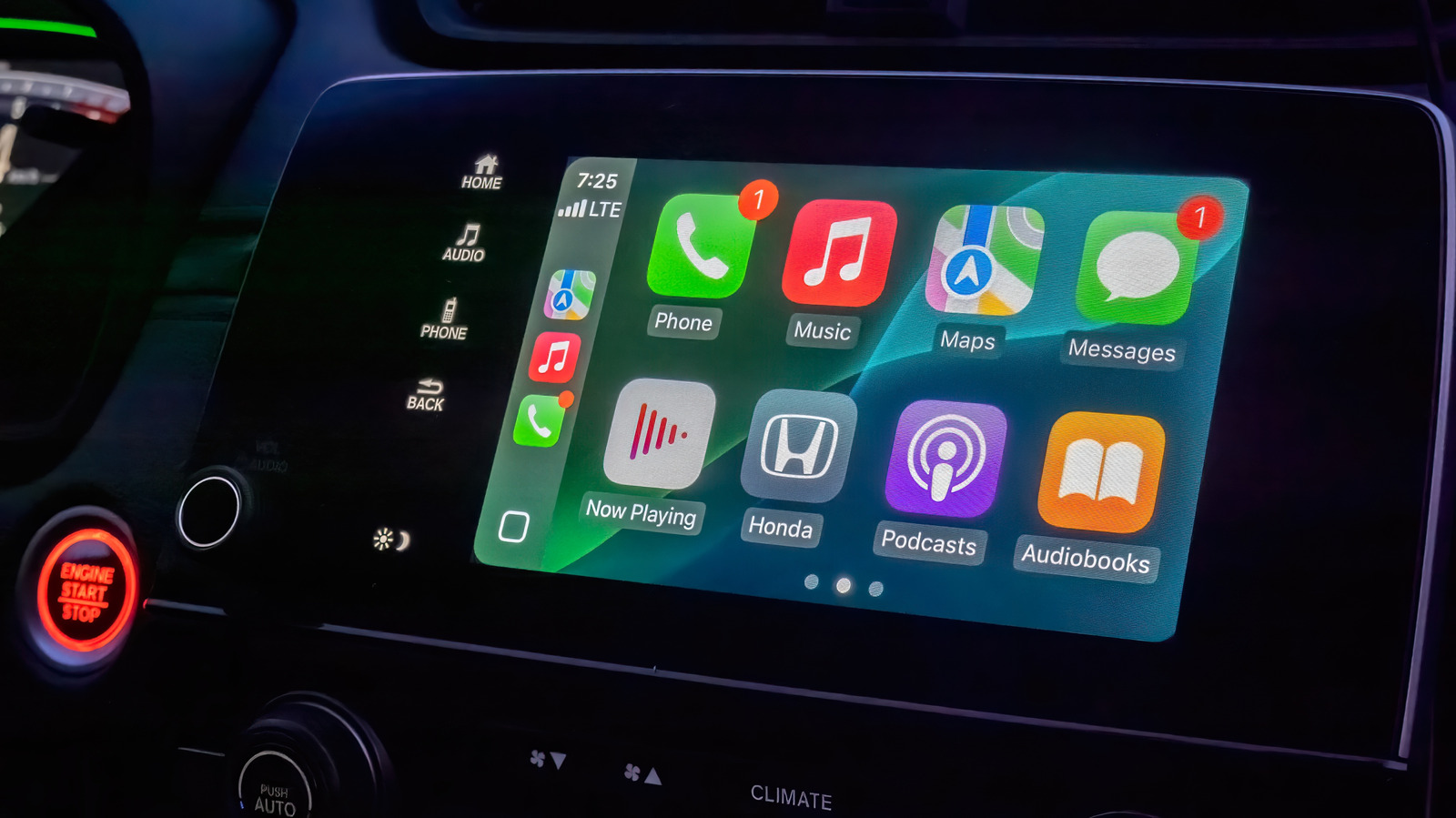
Apple CarPlay allows users to switch between dark and light modes, choose Apple-designed wallpapers, and select icon packs via Settings > Appearance, Wallpaper, and Customize Icons. In the iPhone, apps can be reordered or removed under Settings > General > CarPlay > Apps. Widgets are enabled and arranged in Settings > Widgets and appear on a separate page within CarPlay.