Engadget
How to change Siri's voice
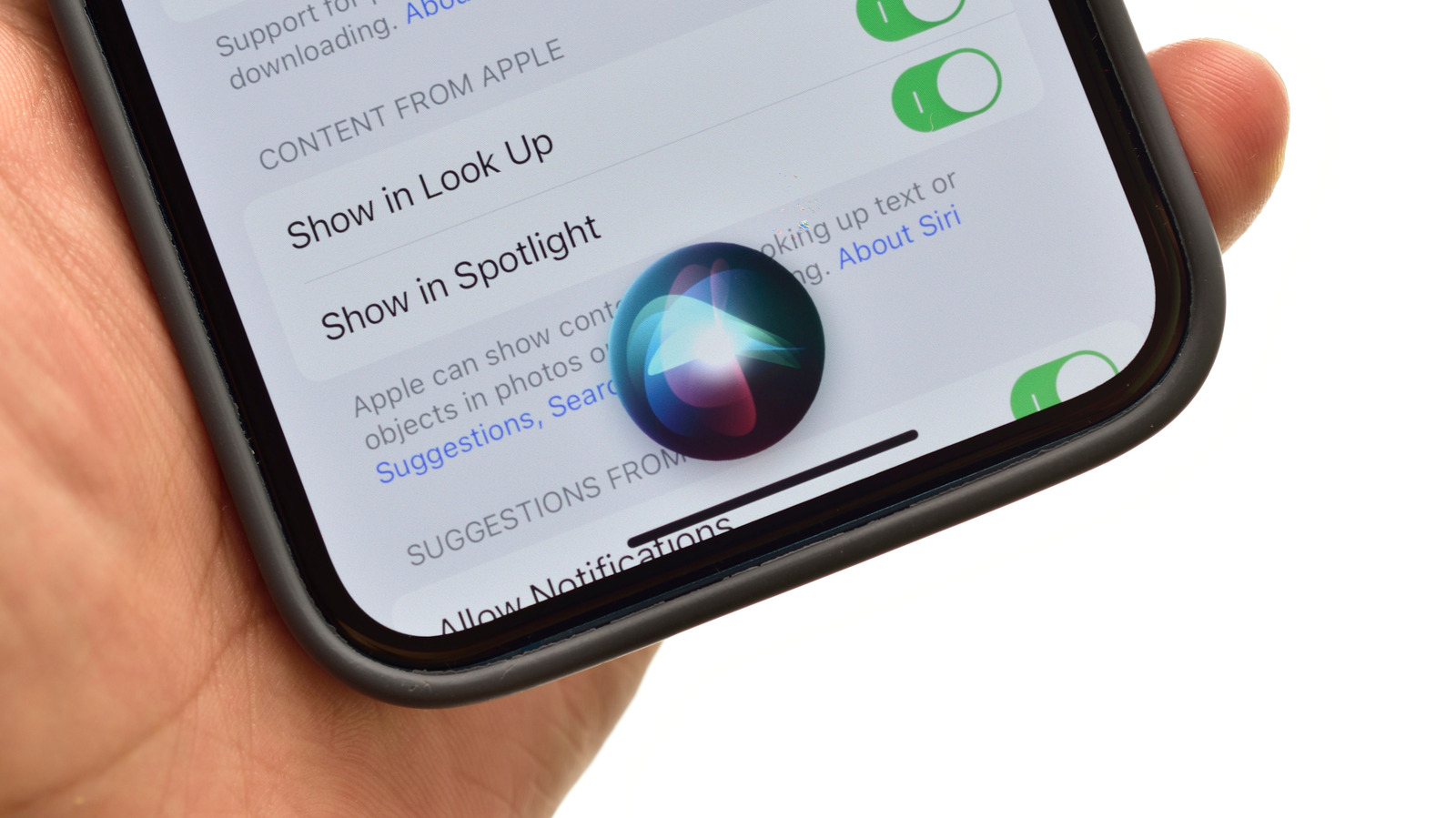
On iOS/iPadOS, Siri’s voice is changed via Settings → Apple Intelligence & Siri → Voice, downloading the selection over Wi-Fi or cellular. iOS 27 beta introduces “Expressive Voice” with Pace and Expressivity sliders for American and British English, limited to iPhone 17 Pro/Pro Max, iPhone Air, and M4-chip iPads with 12 GB RAM. Additional response controls—speaking rate, pause time, and spoken-response options—are found under Settings → Accessibility → Siri.