Engadget
How to check if your TV is playing in 4K or not
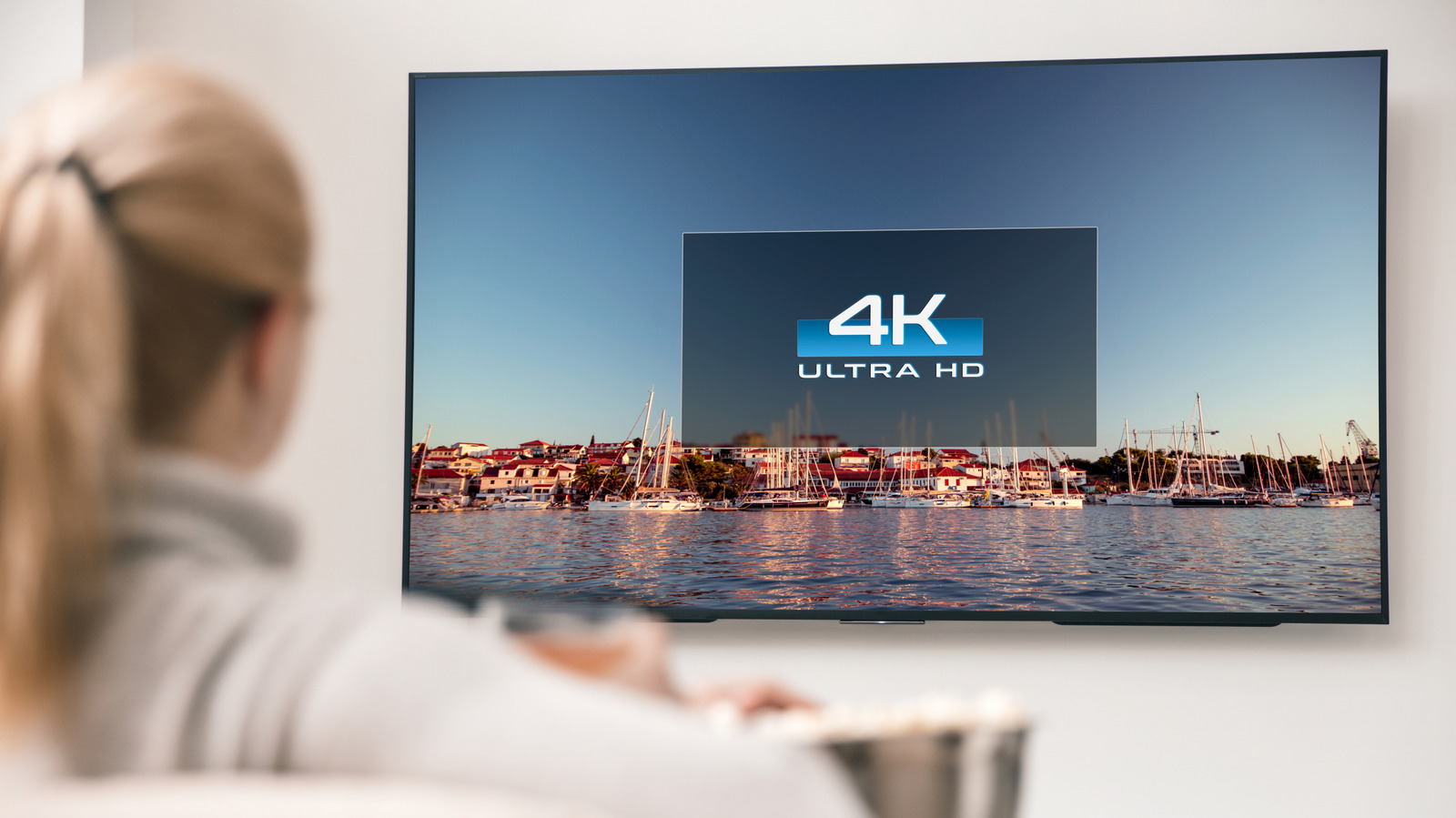
Check the TV’s model name for “4K” or “UHD” in the About/Info menu or specifications. Use a source device and streaming app set to 4K, connected with an HDMI 2.0 (or higher) cable. Activate the highest-quality setting in Disney+, YouTube, or Amazon Prime Video Ultra, then press the remote’s Info button or view the on-screen banner to confirm the displayed resolution, noting that some channels may be upscaled rather than native 4K.