Engadget
How to check which apps are draining your iPhone battery
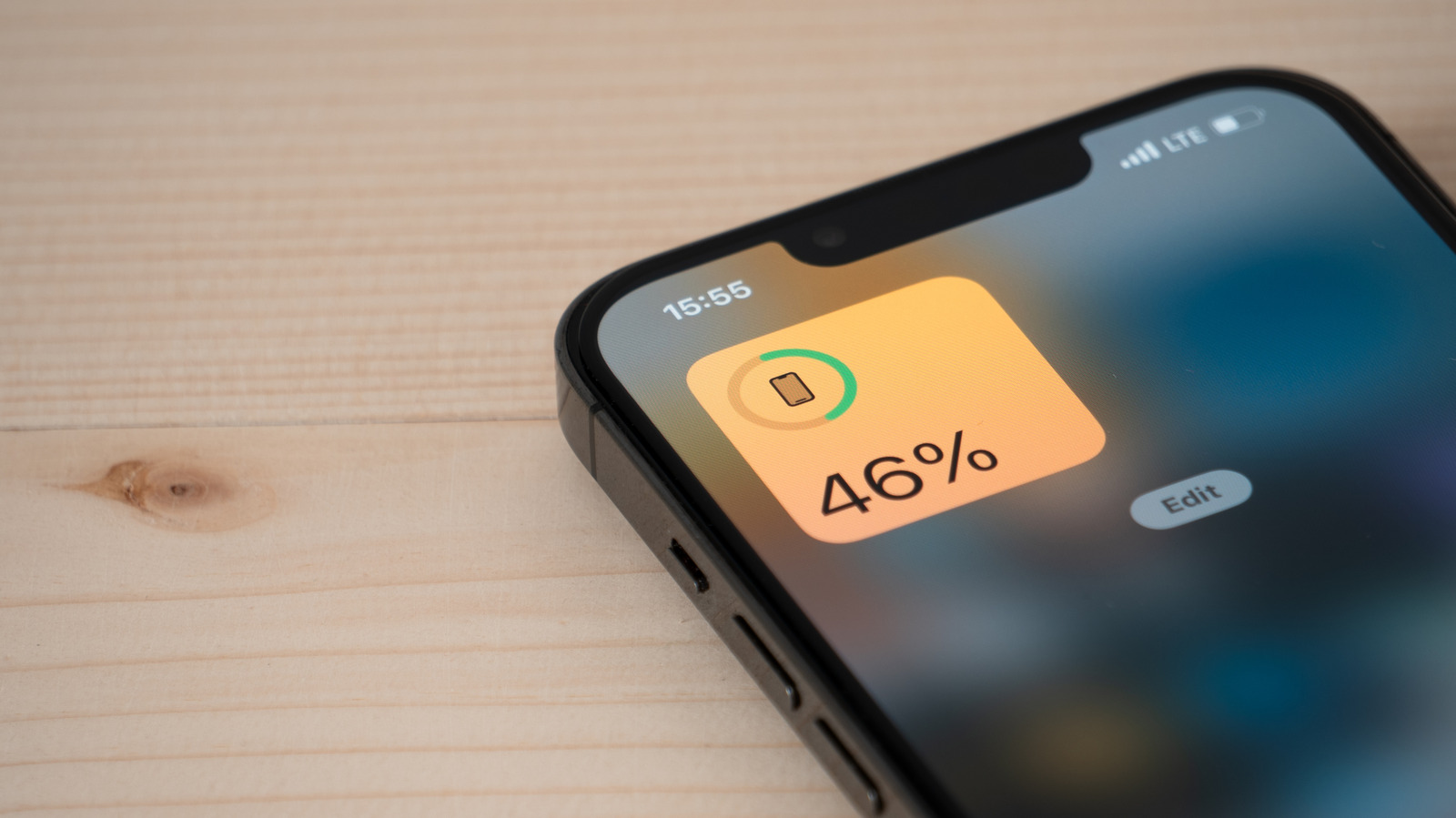
Open Settings → Battery to view a chart of overall usage and tap “View All Battery Usage” for a detailed list showing which apps consumed the most power, distinguishing on-screen time from background activity. Disable Background App Refresh and limit Location Services for high-drain apps, and check Battery Health to determine if a replacement is needed.