Engadget
How to customize the side button on your Samsung Galaxy phone
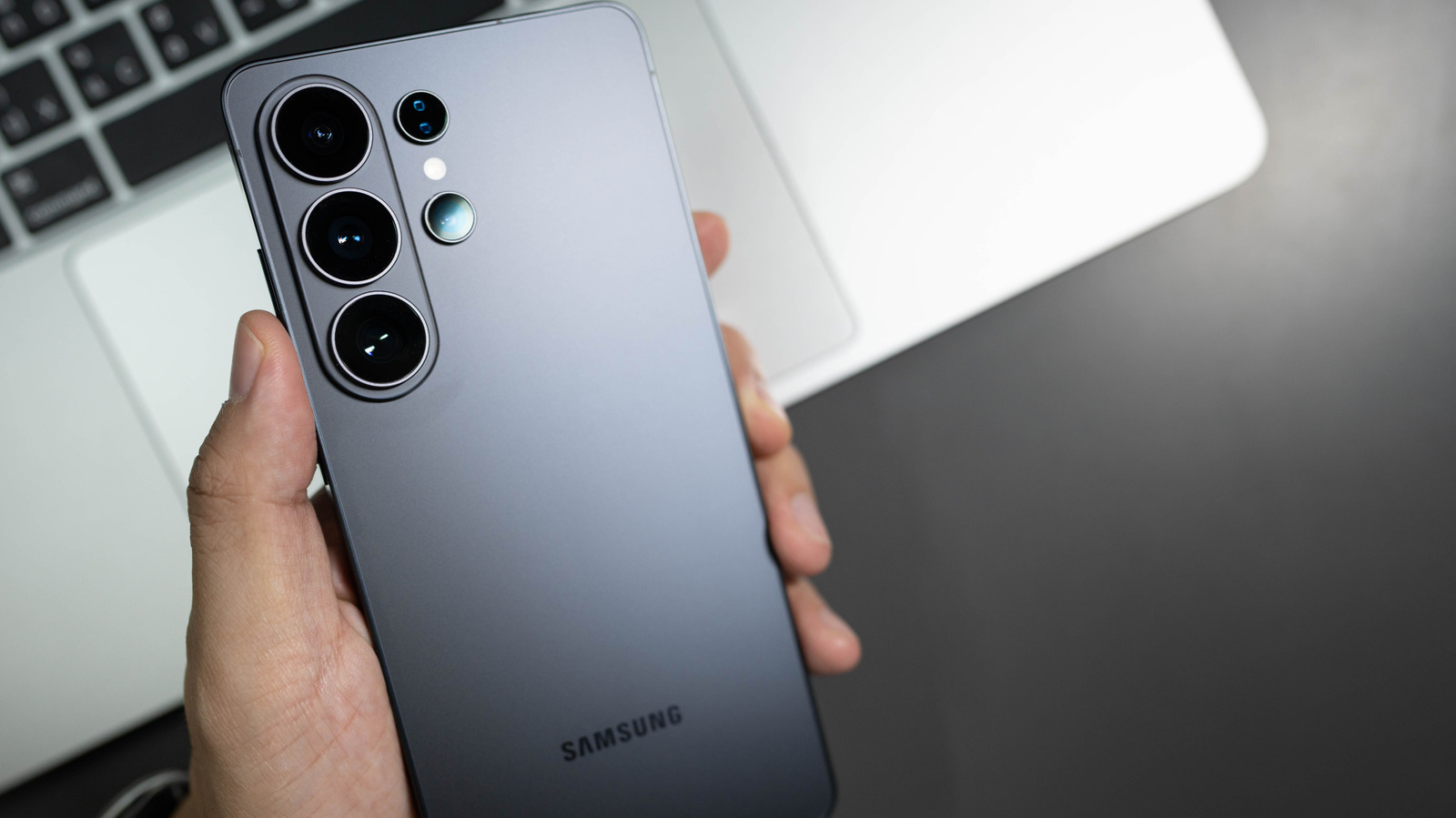
Samsung’s side button, formerly the Bixby button, can be remapped in Settings > Advanced features > Side button or Bixby Key to launch apps, open camera, flashlight, voice recorder, or trigger Modes and Routines such as Driving Mode. Short, double, and long presses can be assigned to different functions, though long-press on older models always opens Bixby Voice. The button’s behavior changes on Galaxy Z Flip when the device is folded or unfolded.