Engadget
How to disable your digital wallet if you lose your phone
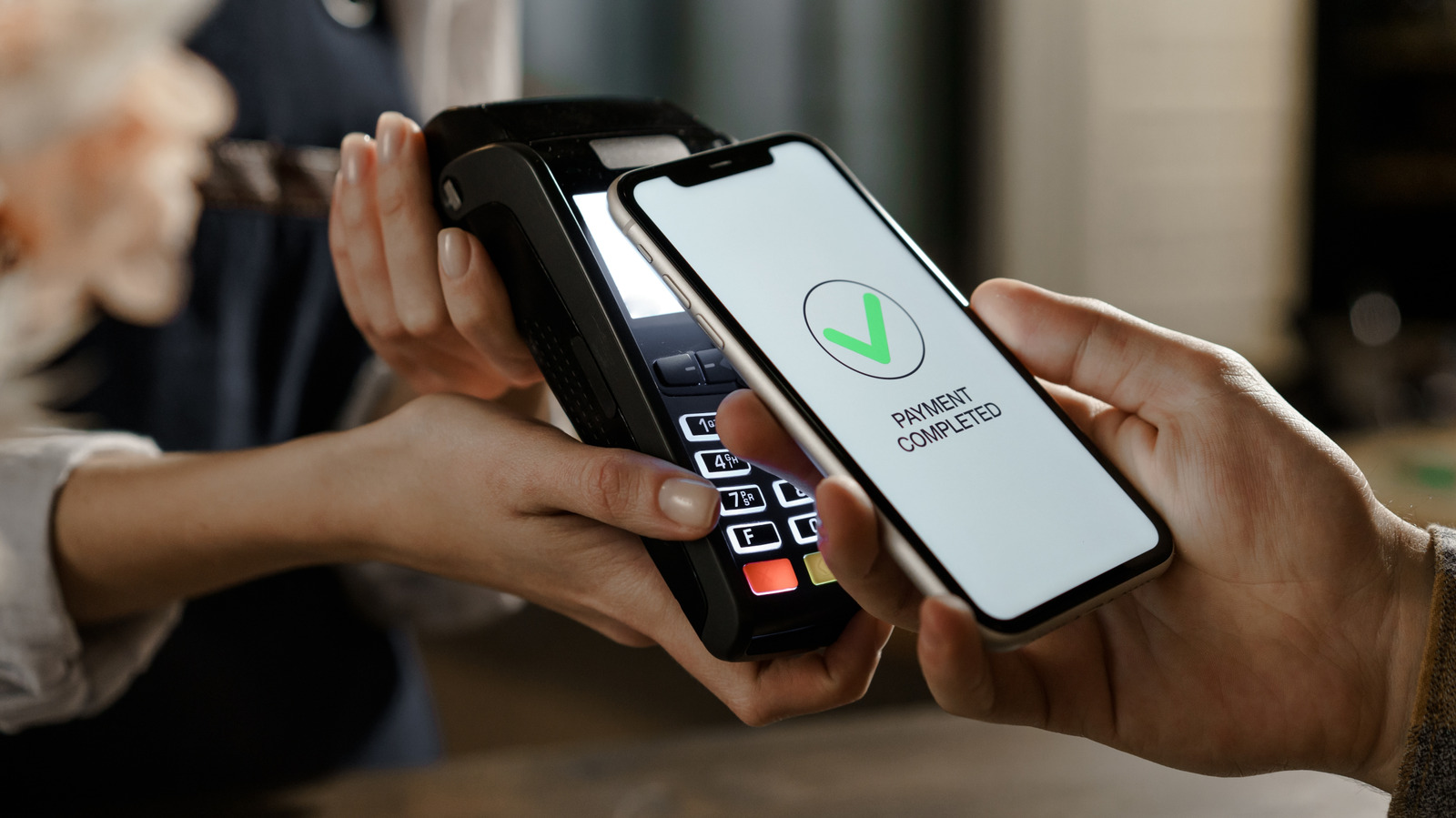
Sign in to Find Hub, select the Android device, and tap “Mark as lost” to log out of Google and delete all Google Wallet cards; you can also lock the phone via android.com/lock or Samsung SmartThings Find and suspend Samsung Wallet. For iPhone, enable Lost Mode in Find My to lock the phone, block Apple Pay, and remove Wallet items through Settings or iCloud. Verify account sign-ins and contact banks to freeze compromised cards.