Engadget
How to disconnect CarPlay so it will stop auto-connecting to your phone
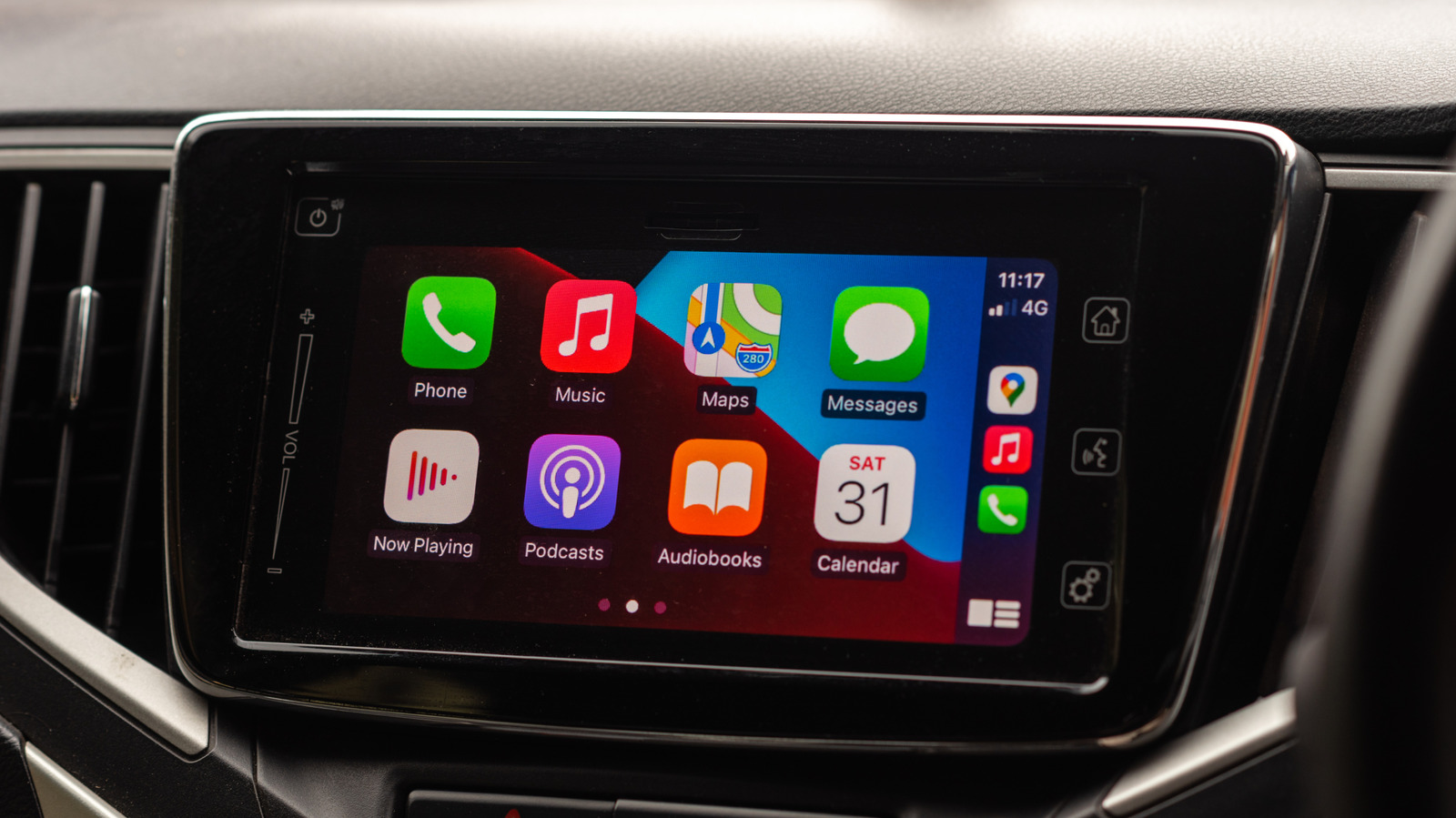
On an iPhone, open Settings → General → CarPlay, select the vehicle, and toggle the CarPlay switch off to stop automatic reconnection; re-enable it the same way when needed. For older models, tap “Forget This Car,” or globally disable CarPlay via Settings → Screen Time → Content & Privacy Restrictions → Allowed Apps & Features. Turning CarPlay off reduces distractions, saves battery, and prevents wireless CarPlay from interfering with AirDrop.