Engadget
How to find and hide an app on Android Auto
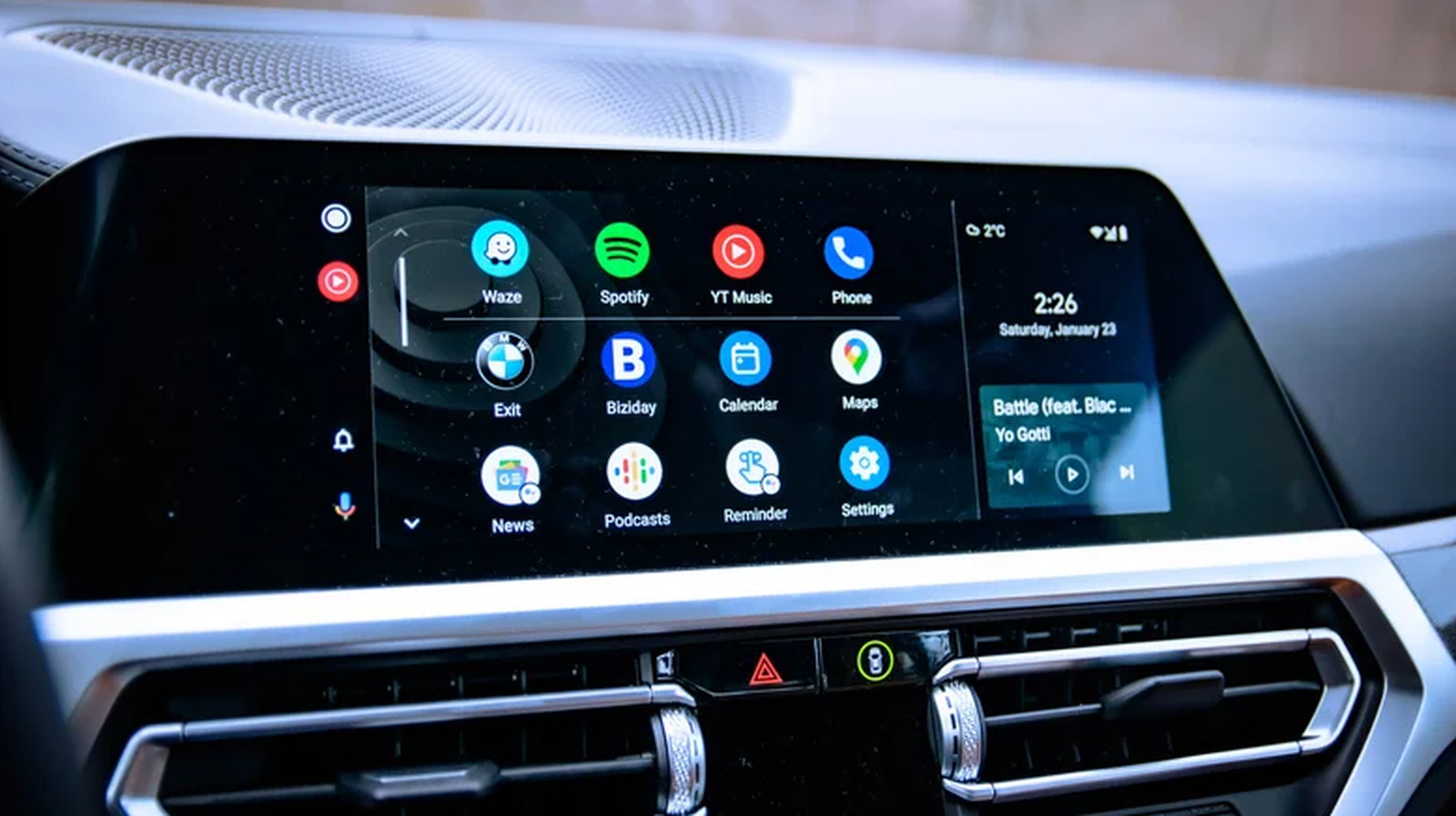
Missing apps on Android Auto are usually disabled by the phone’s battery-optimization feature, which puts unused apps to sleep and removes them from the car’s launcher. Re-opening the app on the phone or disabling “auto-disable unused apps” restores its visibility, while the launcher can be customized via Settings → Connected devices → Android Auto → Customize launcher. Only apps specifically built for Android Auto appear, so games or Netflix will never show.