Engadget
How to fix iMessage "Not Delivered" error on iPhones
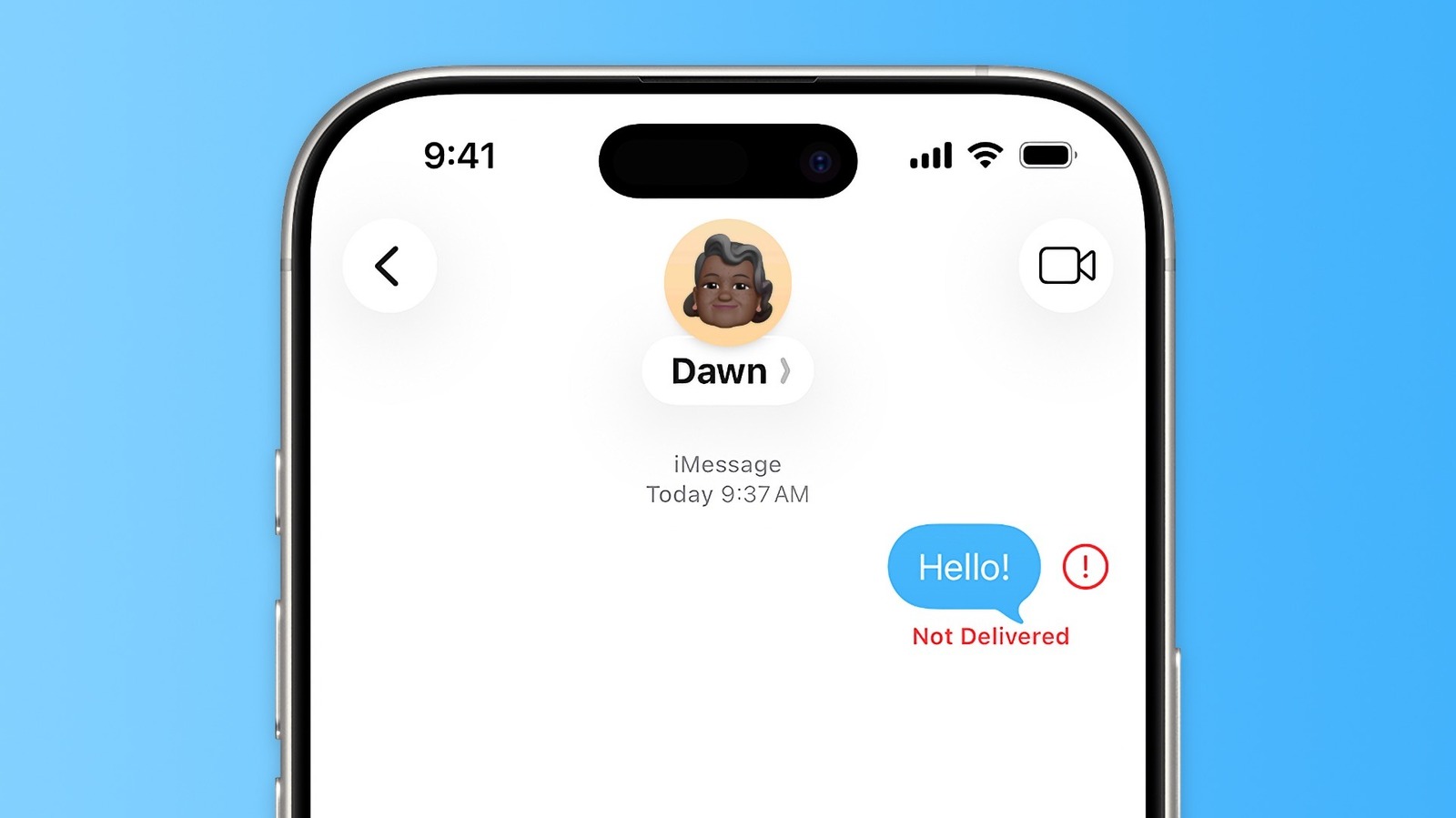
Tap the red exclamation point on a “Not Delivered” message, hold the bubble, and select “Send as Text Message” to force SMS; enable “Retry as Text Message” in Settings → Messages for automatic fallback. Verify iMessage is on, correct address in Send & Receive, MMS enabled, then check Apple’s System Status, reboot, update iOS, and test another contact.