Engadget
How to make your Android alarm ring at full volume even when your calls are muted
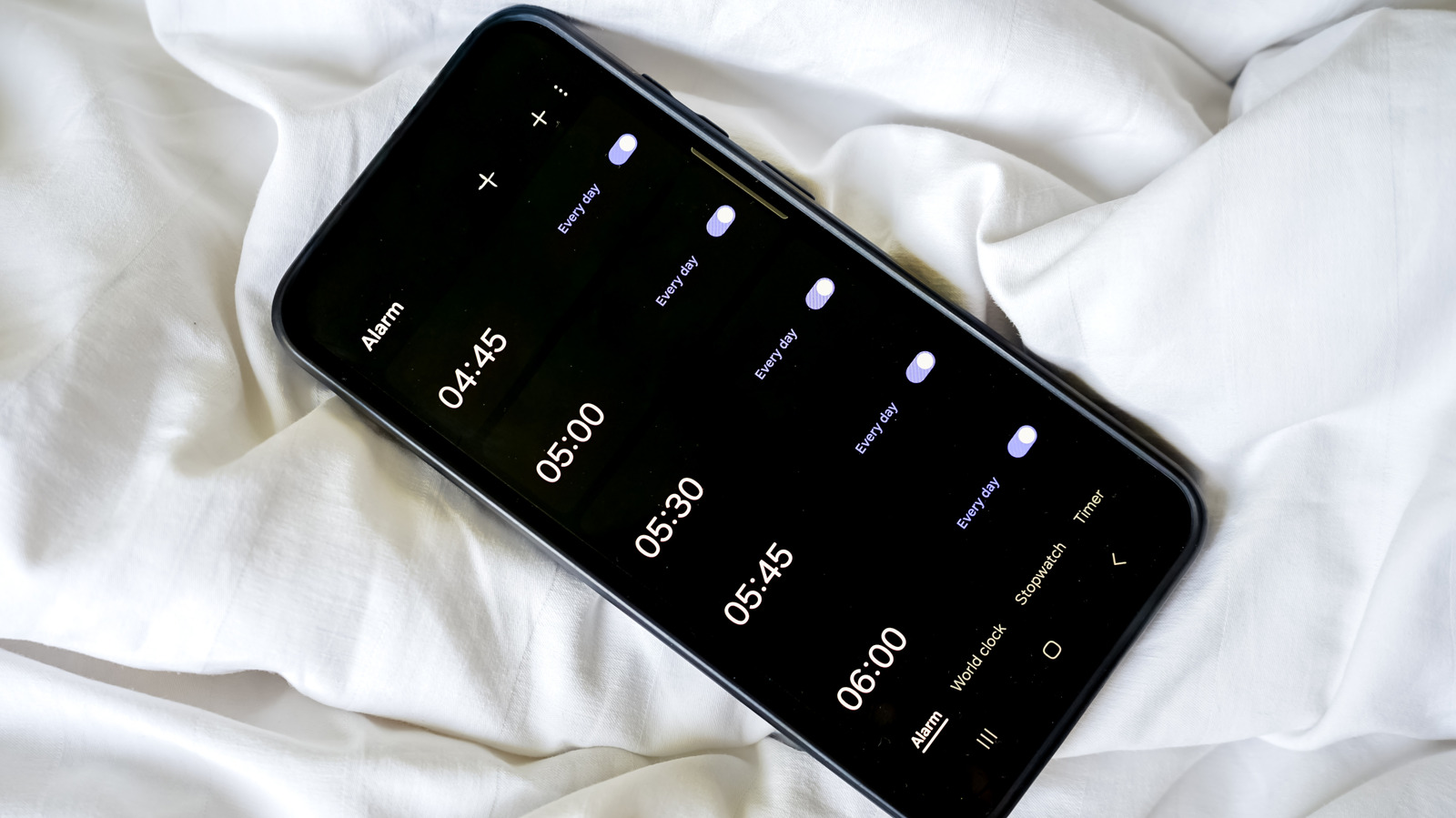
On most Android phones you can keep alarms at full volume while calls are muted by adjusting the separate alarm slider in the expanded volume menu or in Settings → Sound & vibration → Volume. Ensure alarms are permitted in Do Not Disturb, disconnect any Bluetooth audio devices, and verify that battery-optimization or third-party alarm app settings aren’t restricting the alarm’s background activity.