Engadget
How to properly clean your laptop fan
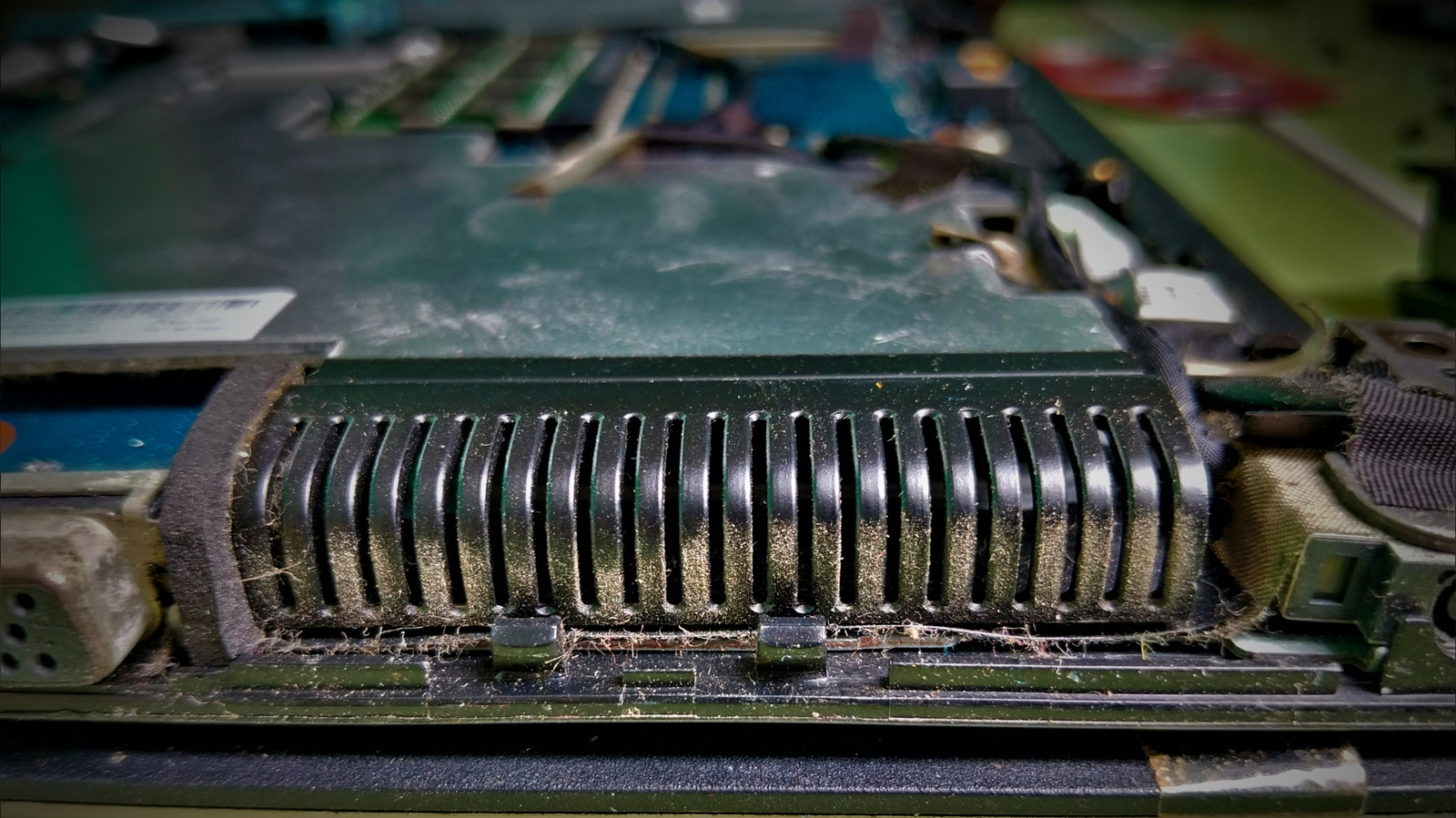
Turn off the laptop, unplug it, and use short bursts of electronics-safe compressed air on the intake and exhaust vents, usually at the base, sides, or near the display hinge. Lenovo recommends cleaning every three to six months. If dust remains, remove the bottom panel to access the fan, heat-sink fins, or dual-fan assemblies, following the model’s service manual. Do not use WD-40 or high-pressure air compressors, as they can damage fan blades or displace protective greases.