Engadget
How to reset an Apple TV remote
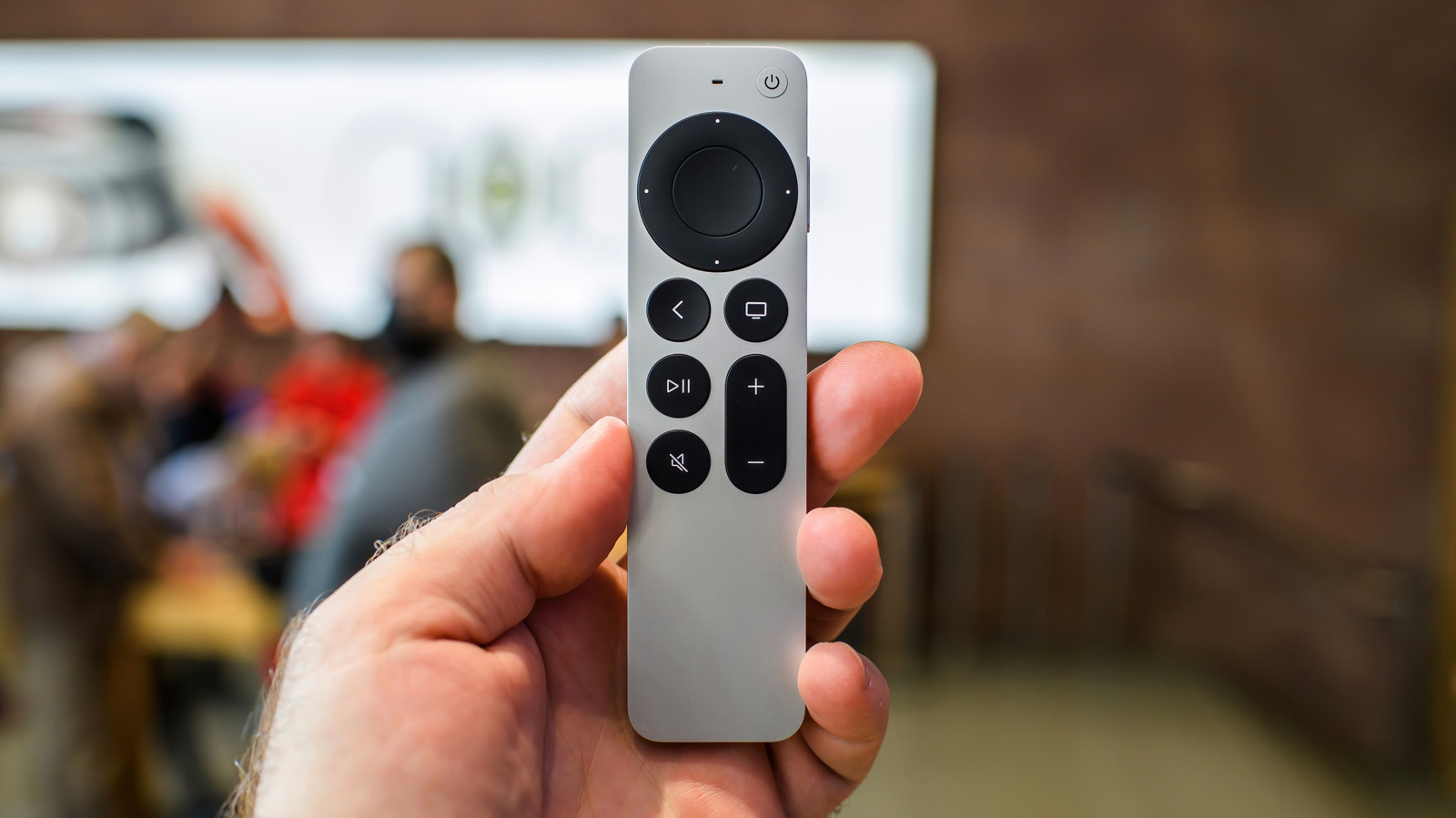
Unplug the Apple TV for at least six seconds, then press TV/Control Center + Volume Down for five seconds to disconnect the remote, followed by Back (or Menu) + Volume Up for five seconds to re-pair. For aluminum or white remotes, hold Menu + Home for six seconds, then Menu + Right for six seconds when the status light blinks. If the remote stays unresponsive, check its battery level, restart the Apple TV, verify Bluetooth signal strength in Settings, or perform a full factory reset as a last resort.