Engadget
How to see what's taking up space on your Windows PC
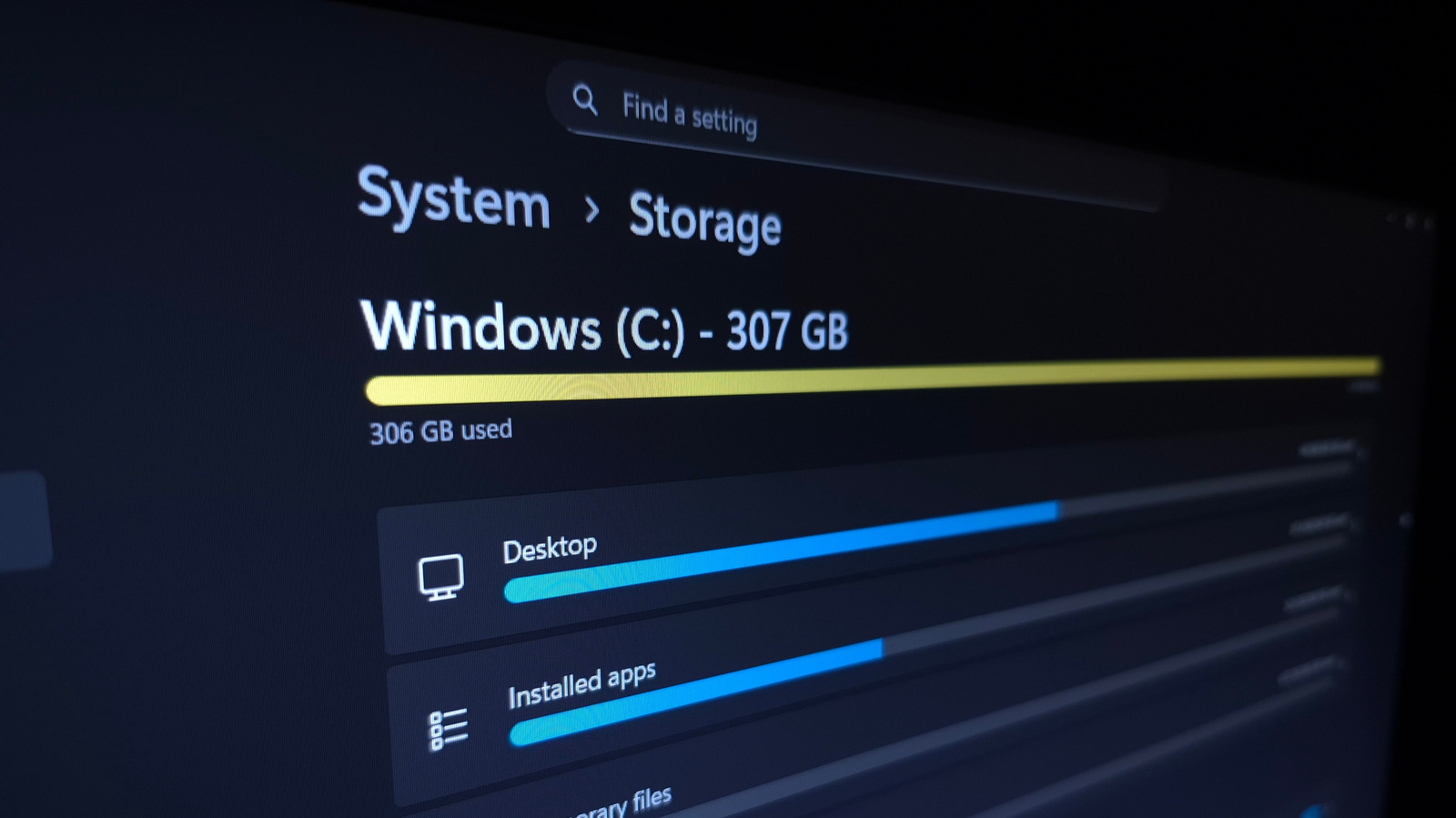
The article guides Windows users to identify storage hogs by opening Settings → System → Storage, reviewing the breakdown, and sorting Installed apps by size to uninstall or move large programs. It also advises cleaning Temporary Files, managing the Recycle Bin, disabling hibernation, reducing System Restore points, and using TreeSize Free for detailed folder-level analysis.