Engadget
How to set up HDMI-CEC on your Samsung TV
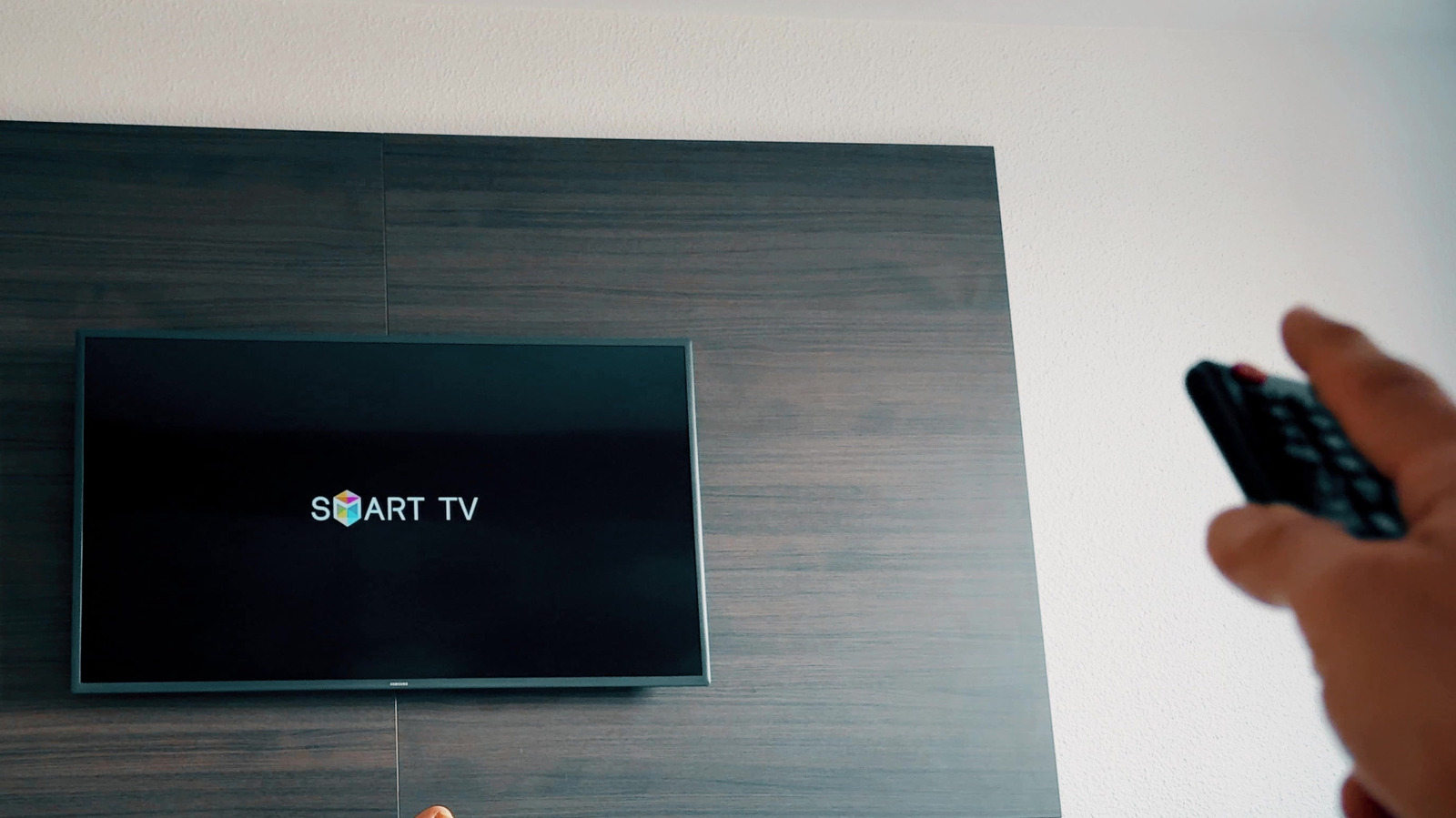
Samsung’s Anynet+ (HDMI-CEC) allows a TV and HDMI-connected devices to share control signals for single-remote operation, automatic power-on, and input switching. Activate it via Settings → All Settings → Connection → External Device Manager (or Settings → General → External Device Manager). Each connected device must have its CEC option enabled, be powered on or in standby, and may require up to two minutes for the initial handshake.