Engadget
How to soft and hard reset your iPhone
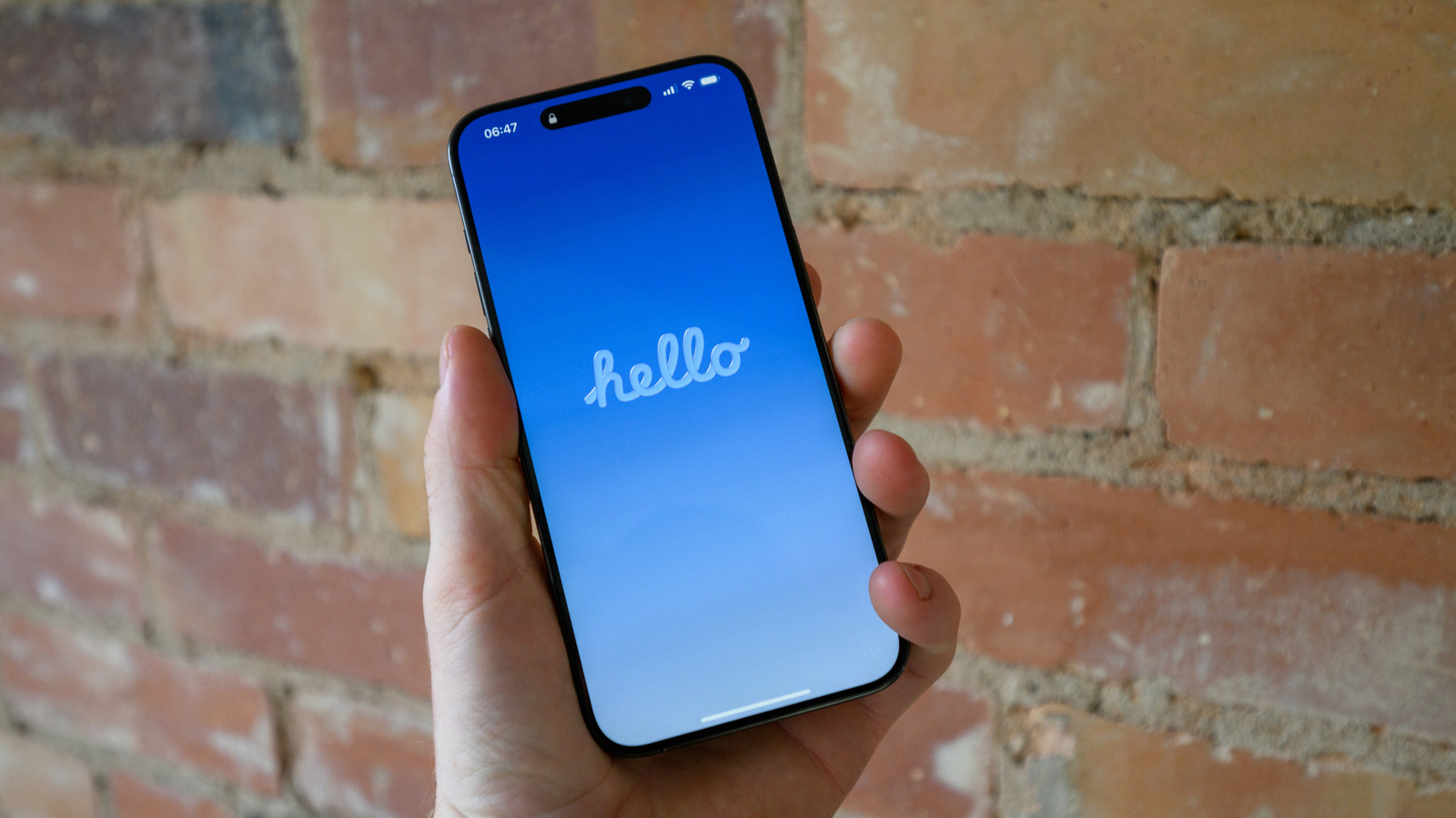
A restart simply reboots the iPhone without data loss, while a soft reset clears all settings—including network, Apple Pay, privacy permissions, display, sound, and keyboard data—via Settings → General → Transfer or Reset → Reset → Reset All Settings. A hard reset erases all content and settings, requiring an iCloud backup and Apple ID password, and is performed through Settings → General → Transfer or Reset → Erase All Content and Settings.