Engadget
How to stop Siri from interrupting while you're using CarPlay
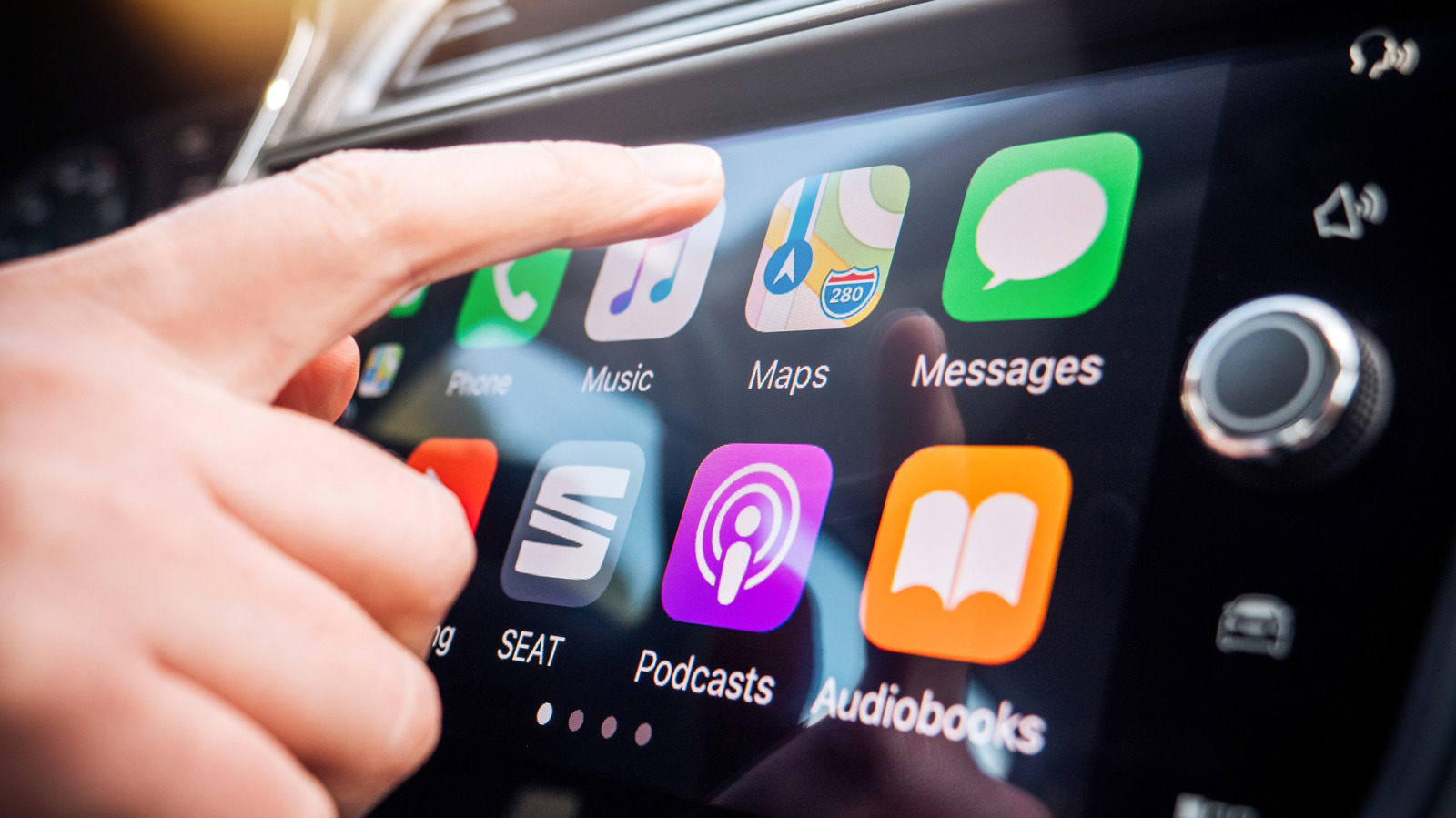
Enable the Driving Focus in Settings → Focus, add the Driving mode, allow only selected contacts, and activate it with CarPlay so notifications are silenced while you drive. Then disable Announce Notifications for CarPlay and adjust Accessibility → Siri settings—turn on “Require ‘Siri’ for interruptions” and lengthen the Siri pause time—to prevent Siri from speaking over music or stopping mid-sentence.