Engadget
How to turn off Find My iPhone (and when you definitely should)
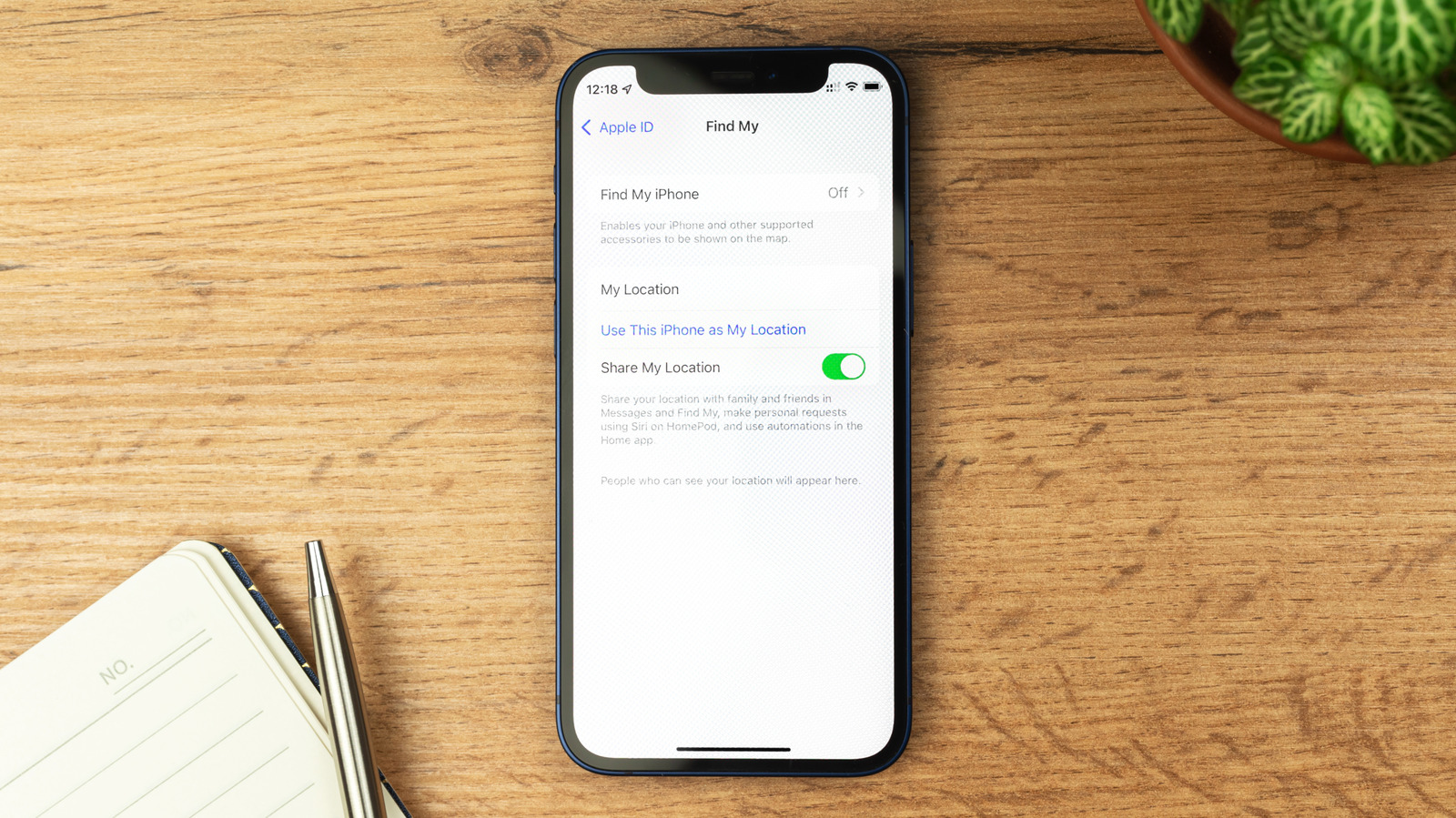
Turning off Find My iPhone is required when selling, giving away, trading in, or sending a device for repair; you can disable it by factory-resetting (which also removes Activation Lock) or manually via Settings > [Your Name] > Find My, after disabling Stolen Device Protection. Disabling Find My eliminates location-sharing and the ability to track the device, while keeping Activation Lock active if the device is lost or stolen.