Engadget
How to update your GPU drivers in Windows 11
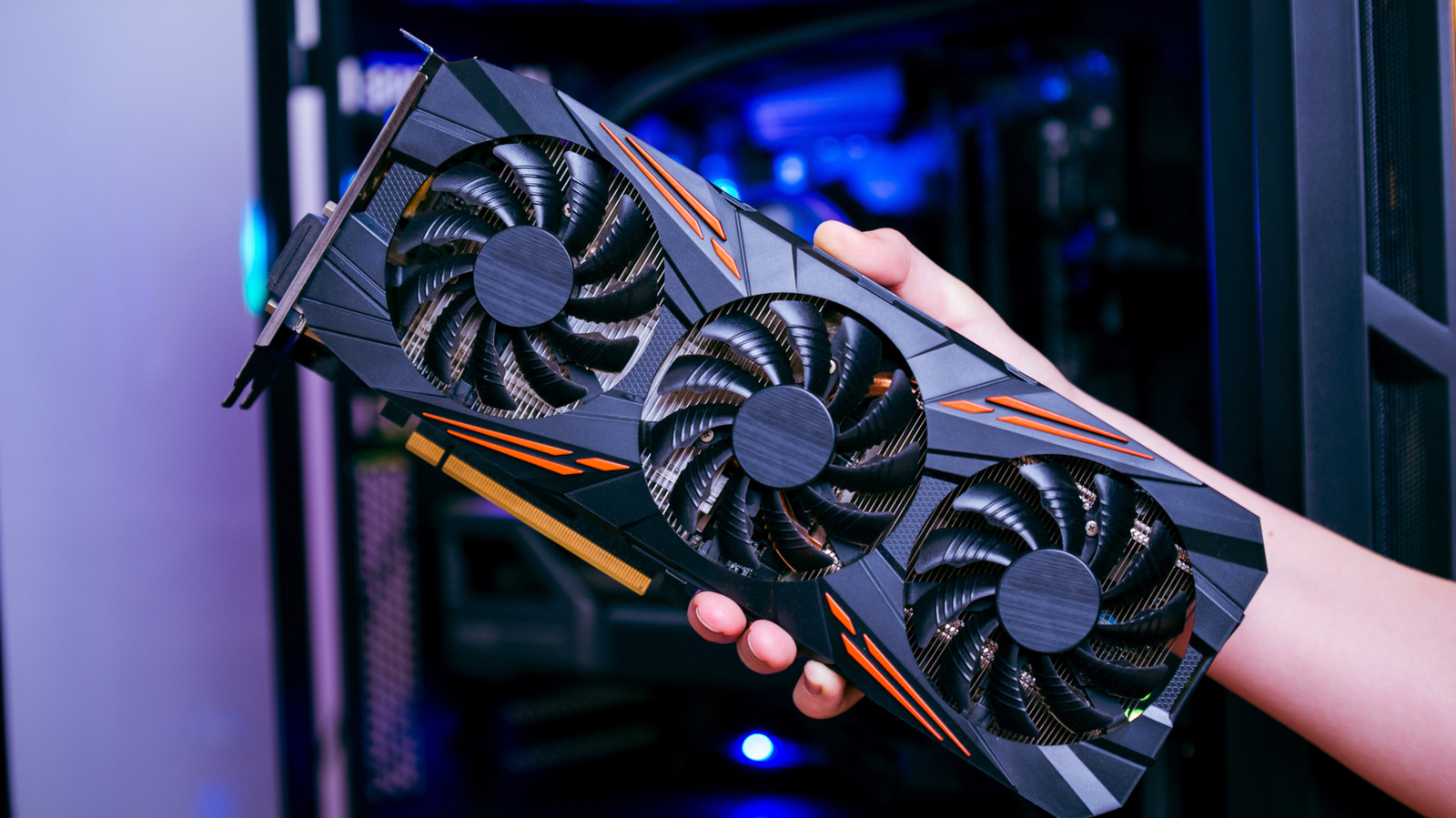
Update GPU drivers in Windows 11 through Settings → Windows Update or Device Manager by selecting the display adapter and choosing “Search automatically for drivers.” For the latest releases, download the vendor’s utility (NVIDIA GeForce Experience, AMD Adrenalin, or Intel Graphics Command Center) and run its update feature, or manually retrieve the driver from the manufacturer’s website using the exact GPU model. Installation may cause brief screen flicker; a restart is recommended.