Engadget
How to use the Live Text feature on your iPhone
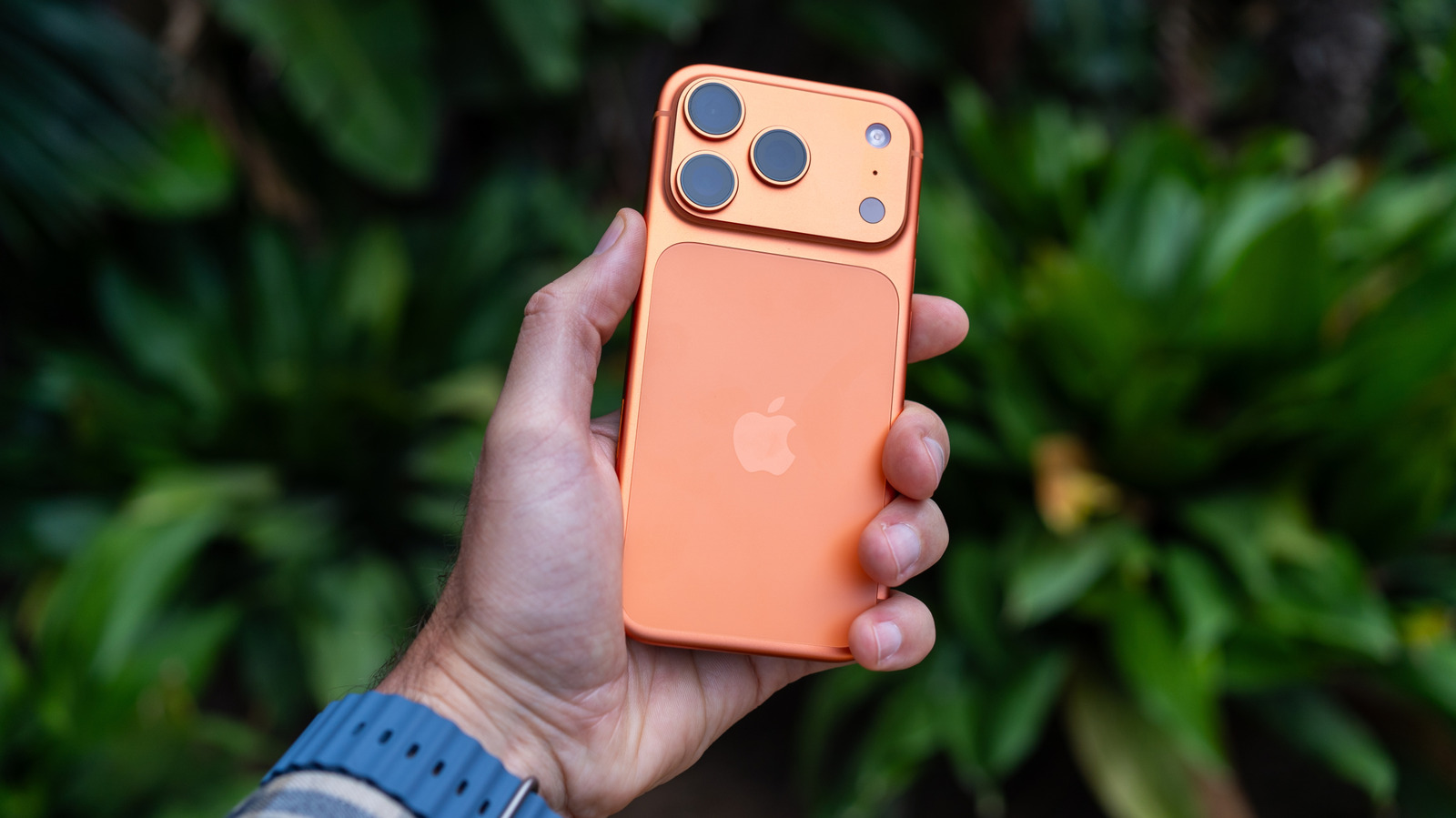
Live Text lets iPhone users interact with any visible text by pointing the camera, copying, sharing, looking up, translating, or converting currencies. It works on iPhones from the XS line running iOS 15 and later, and can be activated by tapping the on-screen Live Text button in the Camera app. The feature is disabled in Settings > Camera under “Show Detected Text.”