Engadget
What more can you delete from your iPhone to free up space?
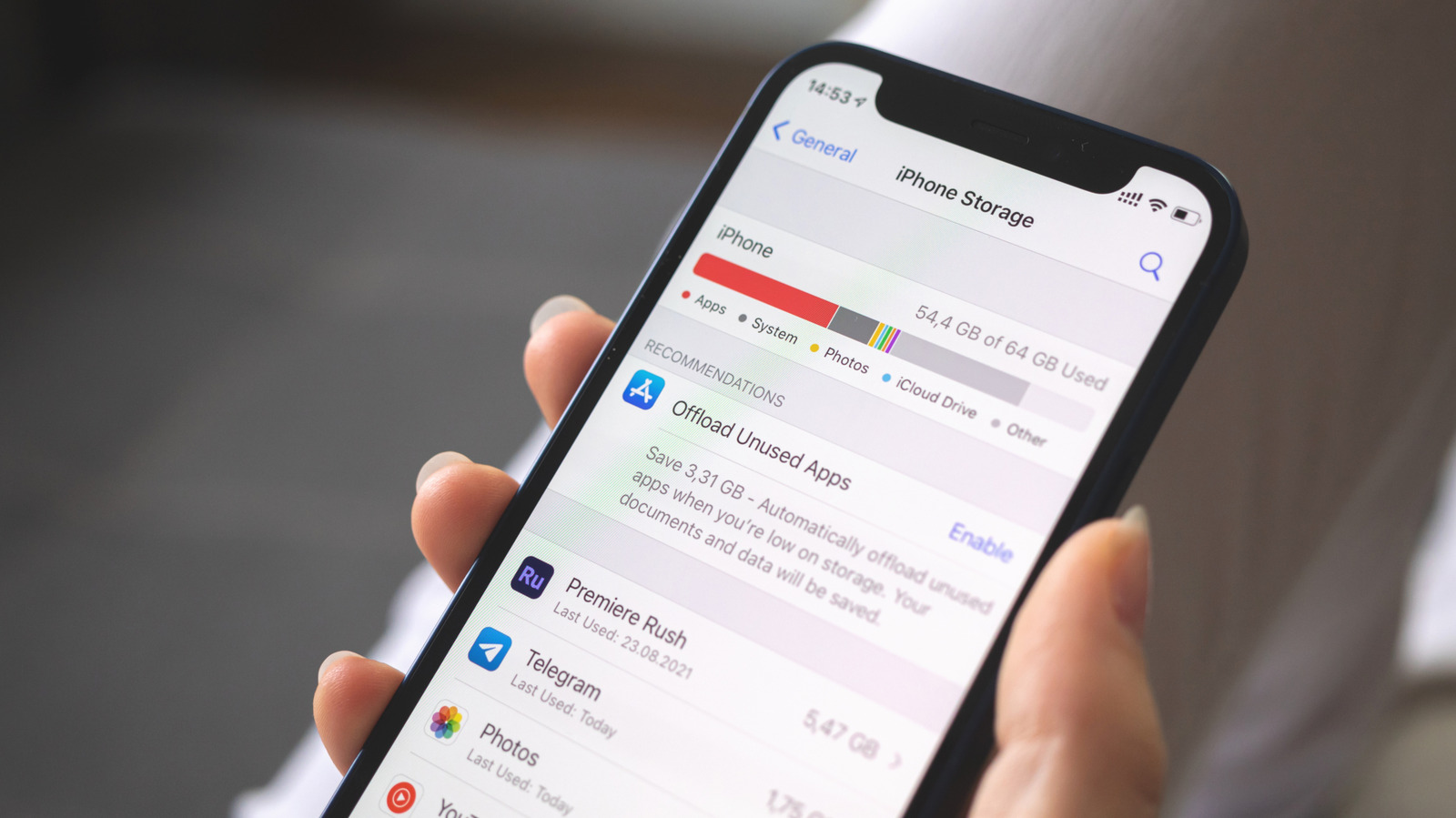
Delete hidden storage hogs by opening Settings → General → iPhone Storage, then clear large message attachments in Messages or WhatsApp’s Manage storage screen, and permanently empty Recently Deleted folders in Photos and Files. Also review downloaded media inside apps such as Spotify, Overcast, Google Maps, and YouTube, deleting unwanted files and setting limits for future offline content.