Engadget
What to try when an Android app keeps crashing
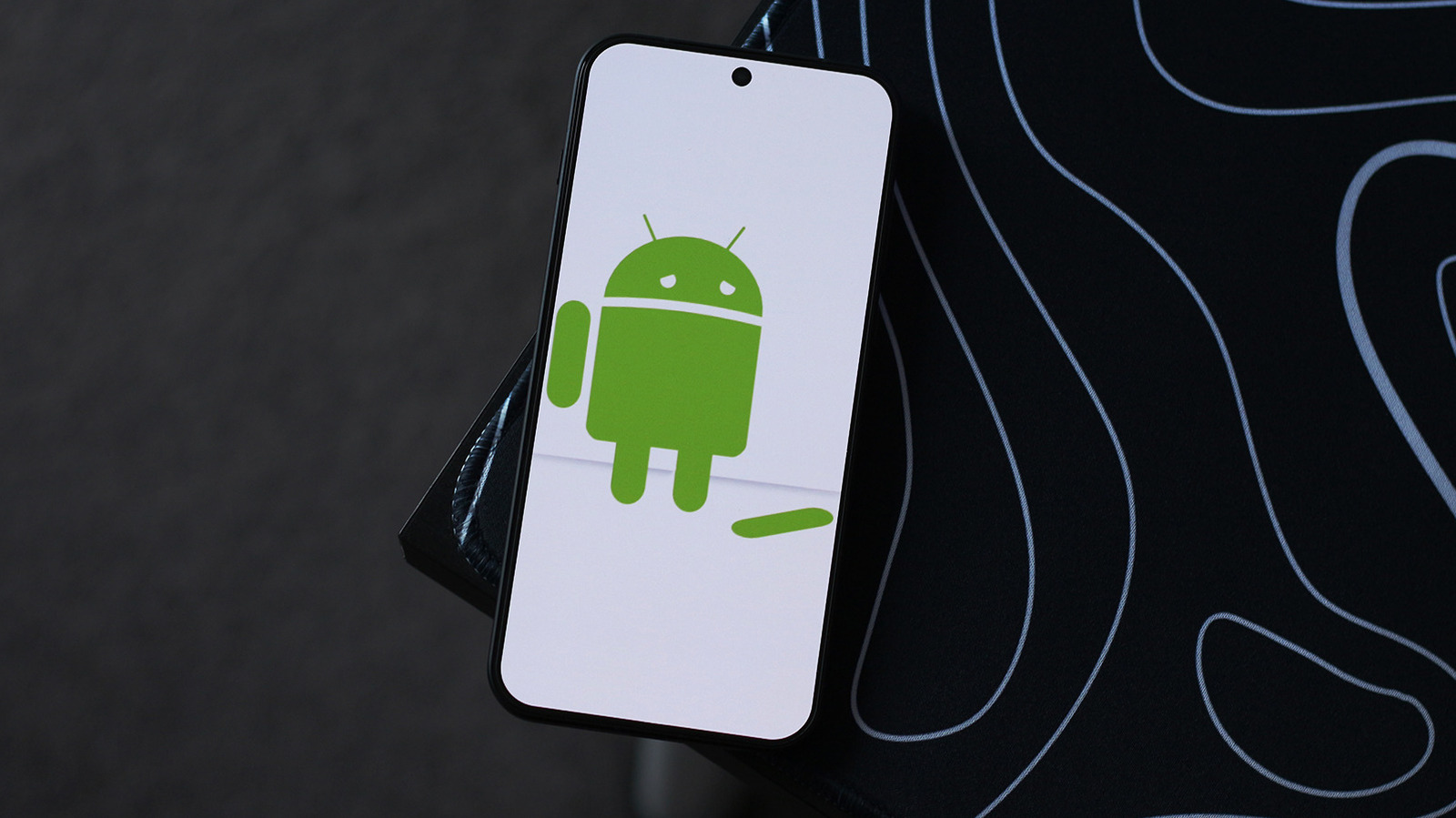
If an Android app keeps crashing, first check the Google Play Store for updates and install any newer version. If that fails, clear the app’s cache and force-stop it via the App info page, then try clearing data or reinstalling the app, noting that reinstalling may erase local data. Finally, restart the device and ensure the system software is up to date, and if needed, enable developer mode to sideload an older app version.