Engadget
Is your Roku TV talking to you? Here's why and how to turn it off
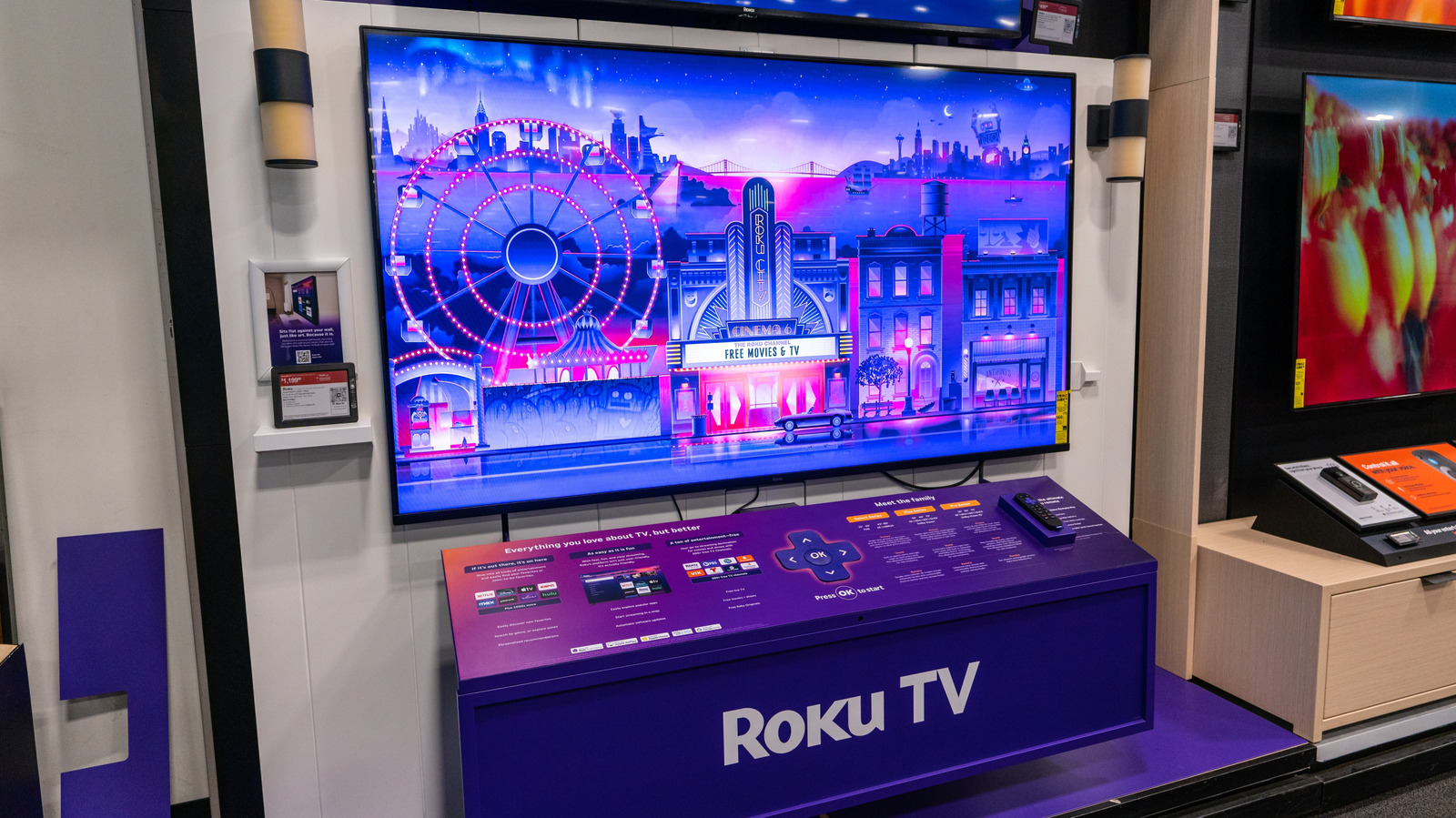
The voice you hear on a Roku TV is the screen reader, an accessibility feature that narrates on-screen text for visually impaired users. It activates by pressing the Options button four times on the remote; pressing it four more times or navigating Home → Settings → Accessibility → Screen Reader → Off disables it. The shortcut can be permanently removed by turning off the Shortcut option in the same Accessibility menu.